

Prevent Missed Handoffs and Scope Creep
This free website project management template covers every phase, from client intake to launch, so your team stops dropping the ball between design, dev, and client review
How to Use This Template
Using the template is super simple!
If You’re a FluentBoards Pro User
- Go to your Boards Dashboard. Open Templates and select Built-in Templates
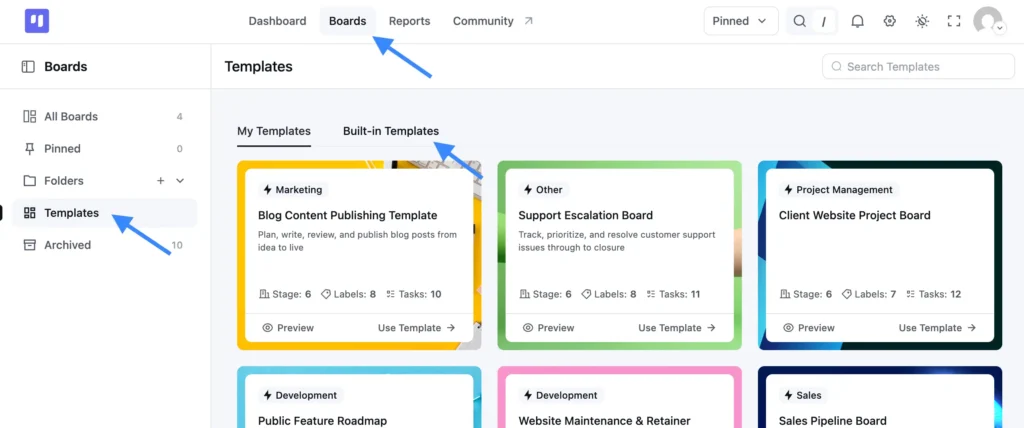
- Find this template and click Use Template
- Choose which stages and labels you want to keep
- Confirm your selection, and your new board is ready to use
If You’re a FluentBoards Free User
You can use the same template by importing the JSON file:
- Download the JSON file provided above
- Go to your Boards Dashboard and click Import
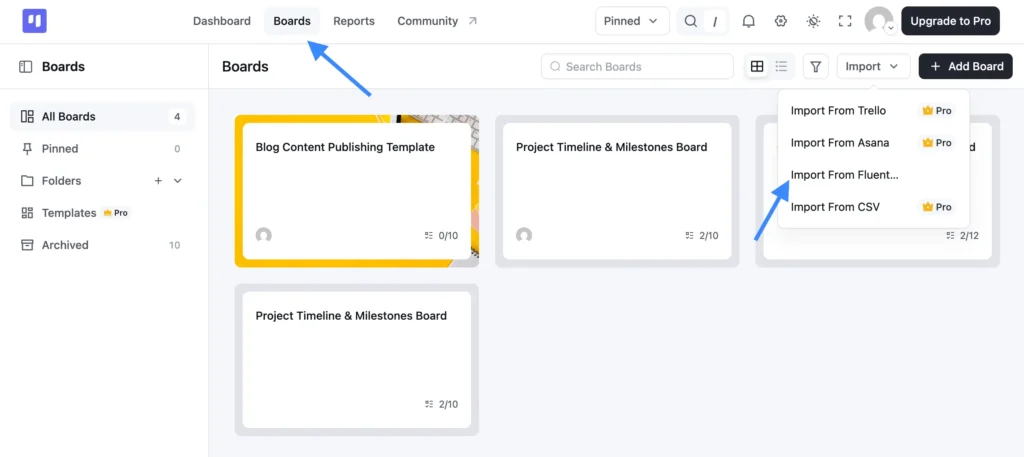
- From the dropdown, select Import from FluentBoards
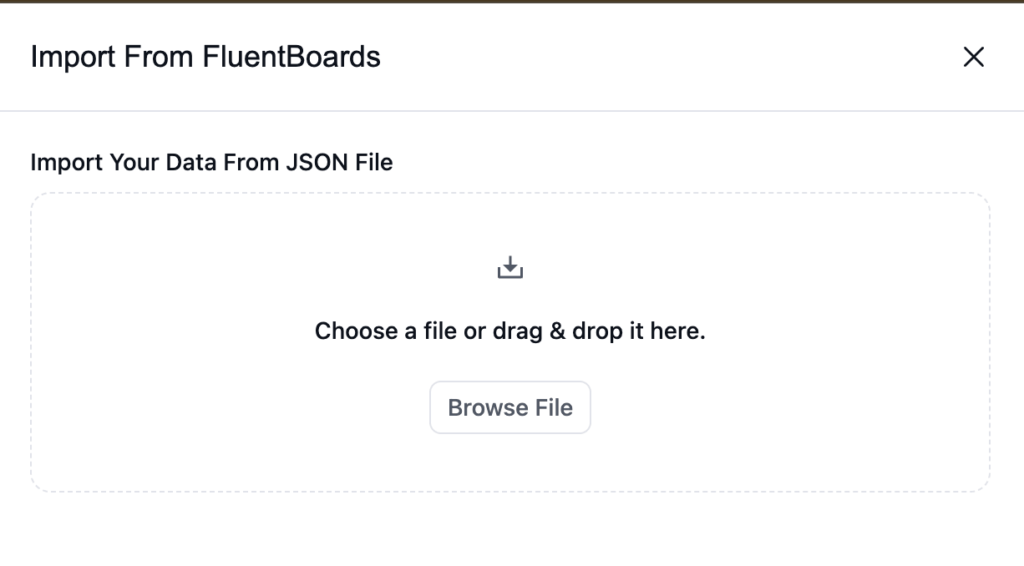
- Upload the JSON file you downloaded
- Complete the import, and your board is ready to go
Why Client Website Projects Fall Behind
Every client website project starts with a kickoff call and high expectations.
Then reality sets in:
- The client sends “one small change” during development, and suddenly the scope you agreed on in week two is unrecognizable by week six.
- Design gets approved over email, but no one updates the project board, so the developer starts building against a version the client already revised.
- “Awaiting client feedback” becomes a black hole. You’re not sure if the ball is in their court or yours, and chasing them burns time you don’t have.
- The launch checklist lives in someone’s head, and the thing that gets forgotten is always the thing that delays go-live by three days.
It’s never a talent problem. It’s a process problem, and the process breaks down when your workflow isn’t designed for how client website work actually moves
What This Client Website Project Management Template Gives You
This website project management template gives your team one shared system that covers everything from the first intake form to the final deployment, so nothing falls through the cracks between stages.
Stages, in the order work actually happens:
- Client Intake: A card is created automatically when a client submits your intake form via Fluent Forms. No manual entry; the submission drives the card, including file attachments and CRM contact creation.
- Discovery & Scope: Where you define deliverables, timeline, and budget before a single pixel gets designed. Supports a custom field for contract value so the number is always visible on the card.
- Design: Broken into subtasks for wireframes, mockups, and each approval round so revision cycles don’t get buried inside one card. Nothing moves forward without a signed-off scope.
- Development: Routes automatically to your lead developer. The Dev Blocked label flags anything stuck so blockers surface immediately instead of surfacing at the deadline.
- Client Review: A consistent review checklist, saveable as a task template, so every project gets the same structured feedback process, not whatever someone remembered to ask.
- Launch: Final QA and go-live only. Time logging at this stage lets you compare actual hours against your original estimate, which pays for itself on the next proposal.
Labels that keep status visible at a glance:
- Fixed Scope: Flags projects where requirements are locked so nothing gets added without a change order
- Retainer: Keeps ongoing client work separate from one-off projects so recurring tasks don’t get buried
- Rush/Urgent: Cuts through the queue when a client needs something delivered ahead of the original timeline
- Awaiting Client: Surfaces work that’s sitting on their end so your team knows the ball isn’t in your court
- Design Approved: Marks the handoff point so development can start without waiting for a verbal green light
- Dev Blocked: Flags builds that can’t move forward until a dependency or missing asset gets resolved
No setup headaches. Import it, make it yours, and start shipping..
Who It’s Built For
If you build or manage websites for clients, this template was designed for your exact workflow.
- Freelance web designers who juggle 3–5 active projects and need a board that moves with them, not against them.
- Small agency project managers who are tired of chasing status updates across Slack, email, and spreadsheets for projects that should run themselves.
- WordPress developers at product agencies who need a workflow that connects intake forms, client comms, and task tracking without stitching together four separate tools.
- In-house web teams managing external clients who need a single source of truth that both the internal team and the client-facing PM can actually follow.
Frequently Asked Questions
Works Hand in Hand With Your Fluent Stack

Related Templates
-
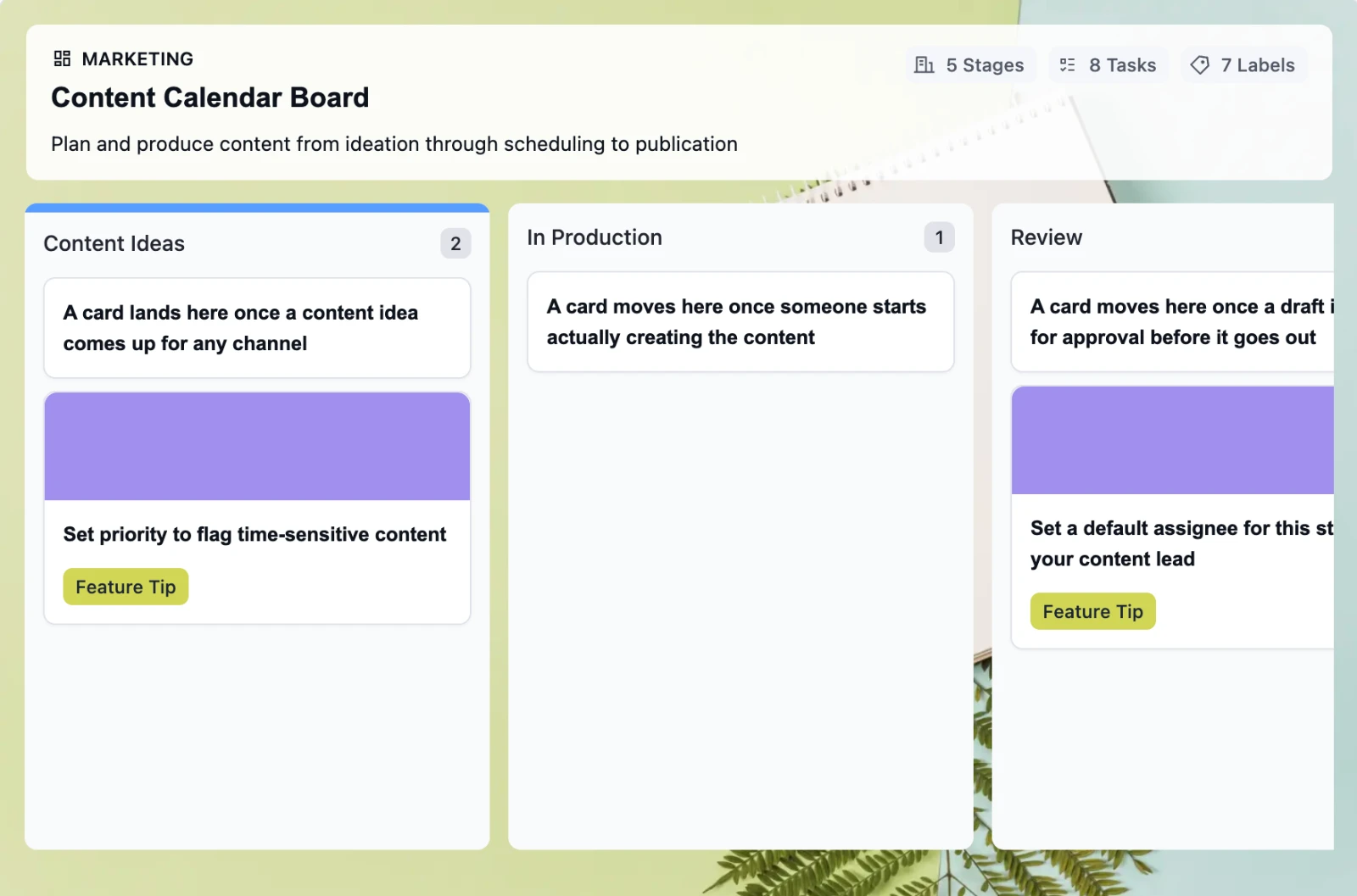
Retire the Content Calendar Nobody Updates
This free employee onboarding template takes new hires from offer acceptance through their 30-day check-in, so nothing slips through the cracks when your team is already juggling everything else
-
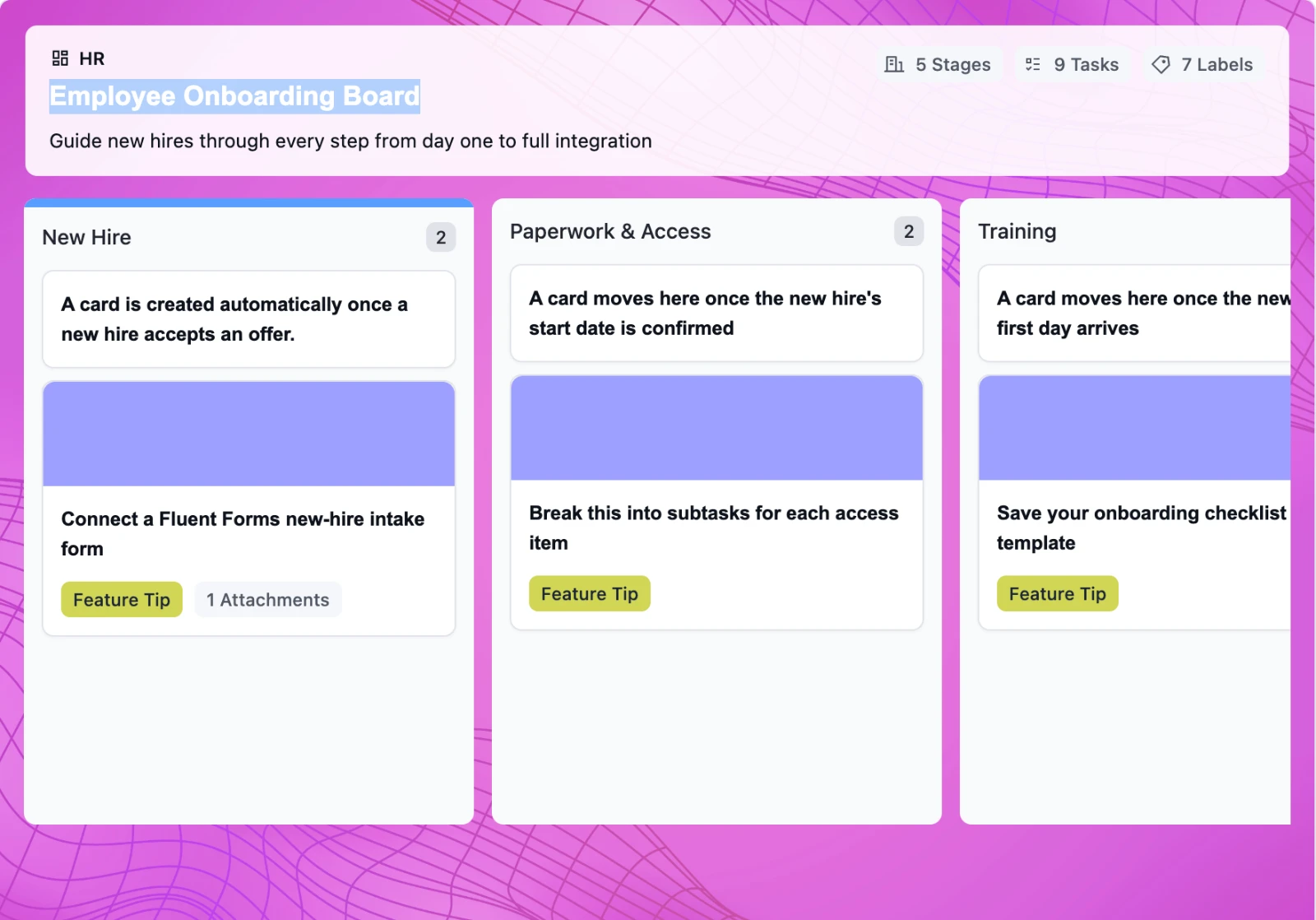
Onboard New Hires Without the Scramble
This free employee onboarding template takes new hires from offer acceptance through their 30-day check-in, so nothing slips through the cracks when your team is already juggling everything else
-
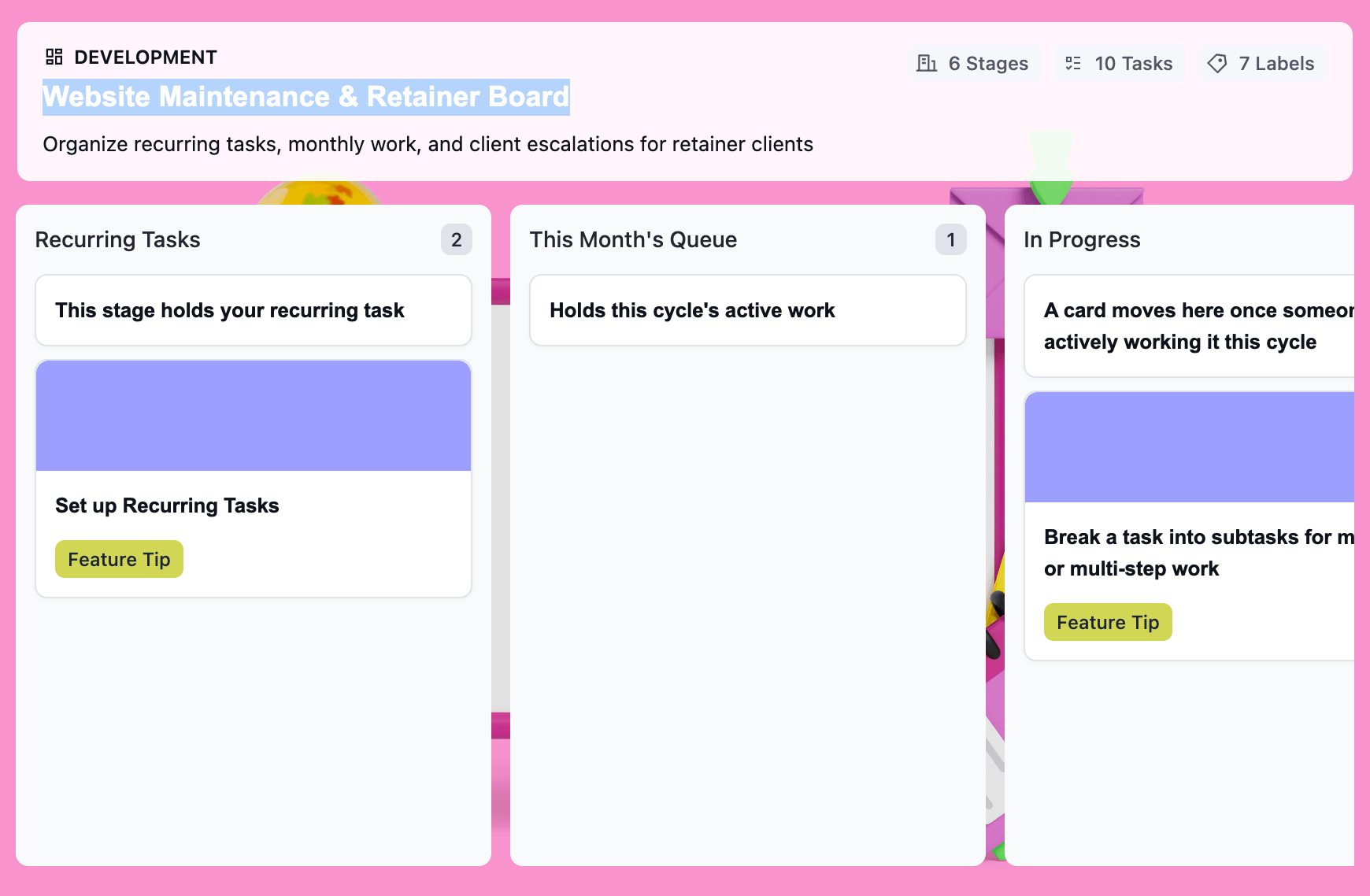
Turn Retainer Client Work Into a Clear Workflow
This free website maintenance retainer template gives you one board per client: recurring tasks that regenerate on schedule, a clear lane for scope creep, and a month-end record that’s already built.

