

Onboard New Hires Without the Scramble
This free employee onboarding template takes new hires from offer acceptance through their 30-day check-in, so nothing slips through the cracks when your team is already juggling everything else
How to Use This Template
Using the template is super simple!
If You’re a FluentBoards Pro User
- Go to your Boards Dashboard. Open Templates and select Built-in Templates
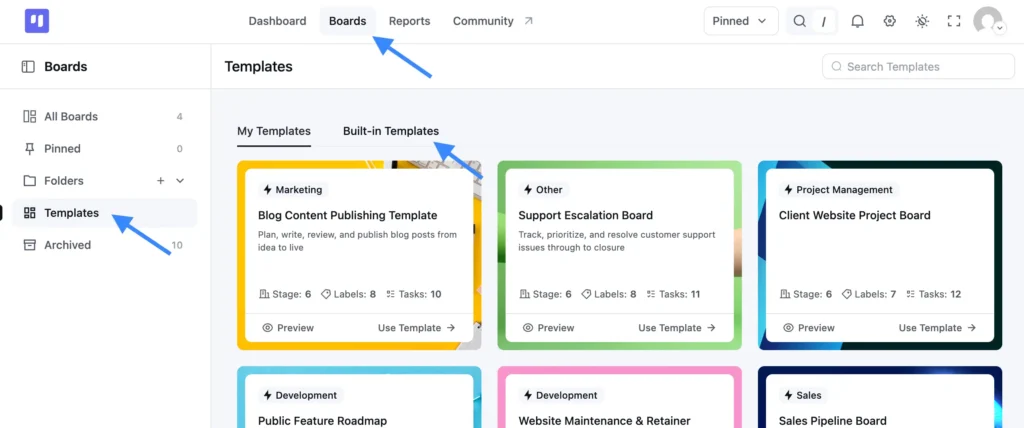
- Find this template and click Use Template
- Choose which stages and labels you want to keep
- Confirm your selection, and your new board is ready to use
If You’re a FluentBoards Free User
You can use the same template by importing the JSON file:
- Download the JSON file provided above
- Go to your Boards Dashboard and click Import
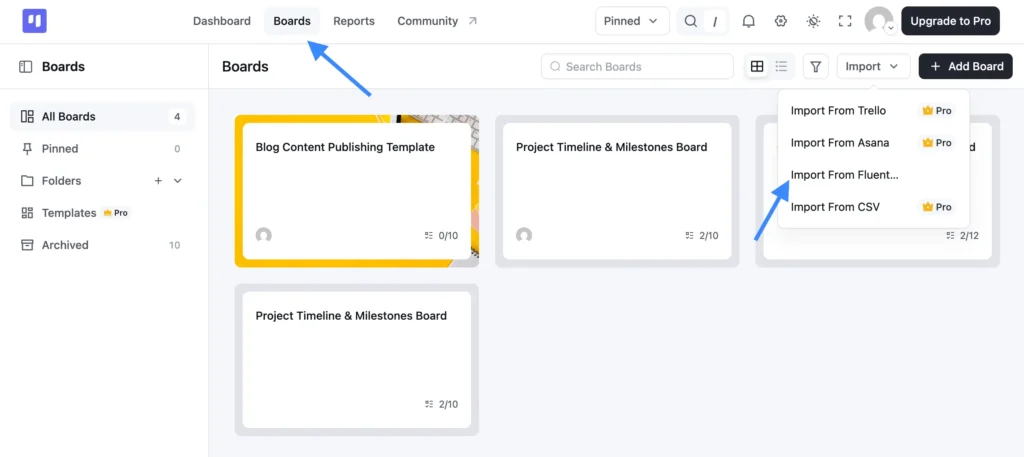
- From the dropdown, select Import from FluentBoards
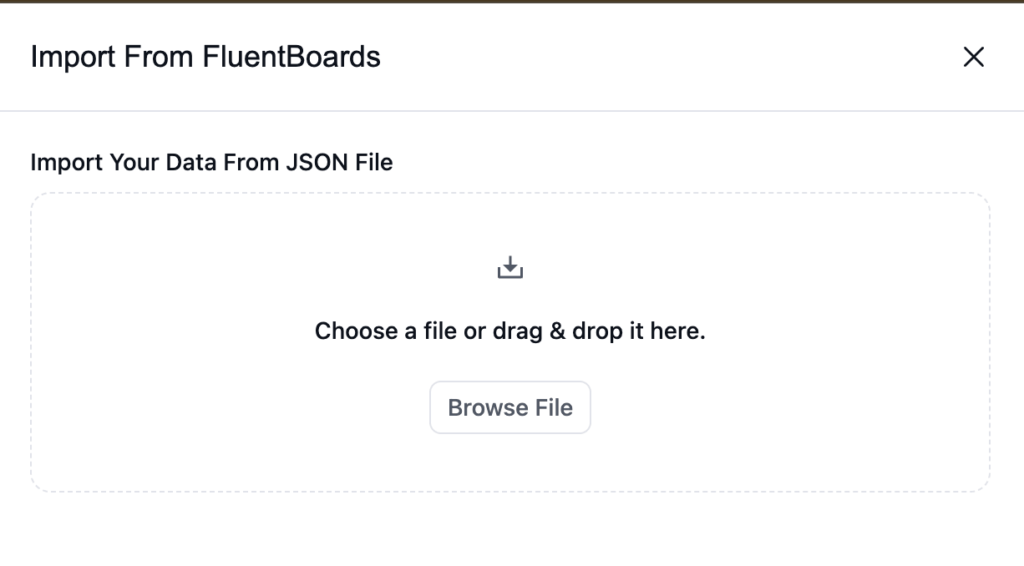
- Upload the JSON file you downloaded
- Complete the import, and your board is ready to go
Why the First Two Weeks Always Feel Like Organized Chaos
Every hire starts with good intentions. The offer goes out, someone sends a welcome email, and for a moment it feels like you have this covered.
Then reality hits:
- IT access is not ready on day one, so your new hire spends their first morning watching you scramble
- The manager did not know their new report was starting until they walked in the door
- Training materials are split across three Google Docs, a Confluence page nobody updates, and a Slack thread from eight months ago
- The 30-day check-in gets pushed to six weeks, then gets skipped entirely because everyone got busy
It is not that your team does not care. It is that there is no single place tracking what needs to happen, who owns it, and when.
What This Employee Onboarding Template Gives You
This employee onboarding template gives your team one shared system so every hire, whether full-time or contractor, remote or in-office, moves through the same reliable process.
Stages, in order:
- New Hire: The entry point. Every hire lands here the moment the offer is signed, so nothing gets missed in the handoff from recruiting to HR
- Paperwork and Access: The administrative sprint. Track contracts, benefits enrollment, equipment setup, and system access all in one stage before the hire sets foot in their first meeting.
- Training: Structured and visible. Assign training tasks to the right people so your new hire is not left guessing what they should be doing or who they should be shadowing.
- 30-Day Check-in: The moment most teams skip. This stage keeps the check-in on the radar so it actually happens, not just when someone remembers to schedule it.
- Completed. A clean finish line. Tasks move here when onboarding is genuinely done, not just abandoned mid-process.
Labels included:
- Full-Time / Contractor. Tag by employment type so your HR lead knows at a glance which compliance steps apply
- Remote / In-Office. Different setups need different checklists. Label it upfront and build tasks accordingly
- Manager Review Pending. A clear signal that something needs a sign-off before it can move forward
- Urgent. For the moments when IT is dragging their feet or a paperwork deadline is tomorrow
No setup headaches. Import it, make it yours, and start onboarding.
Who Should Be Using This
If you have ever said “I thought someone else was handling that” about a new hire, this template is for you.
- HR managers at growing companies handling two or three new hires a month with no dedicated onboarding coordinator
- Team leads who own onboarding by default because HR is a one-person show and the manager is always the fallback
- Operations managers who need the same process to work whether someone is joining the engineering team or the sales floor
- Anyone who has ever onboarded a contractor and had to rebuild the whole checklist from memory because last time’s version is buried in an email thread
Frequently Asked Questions
Works Hand in Hand With Your Fluent Stack
Related Templates
-
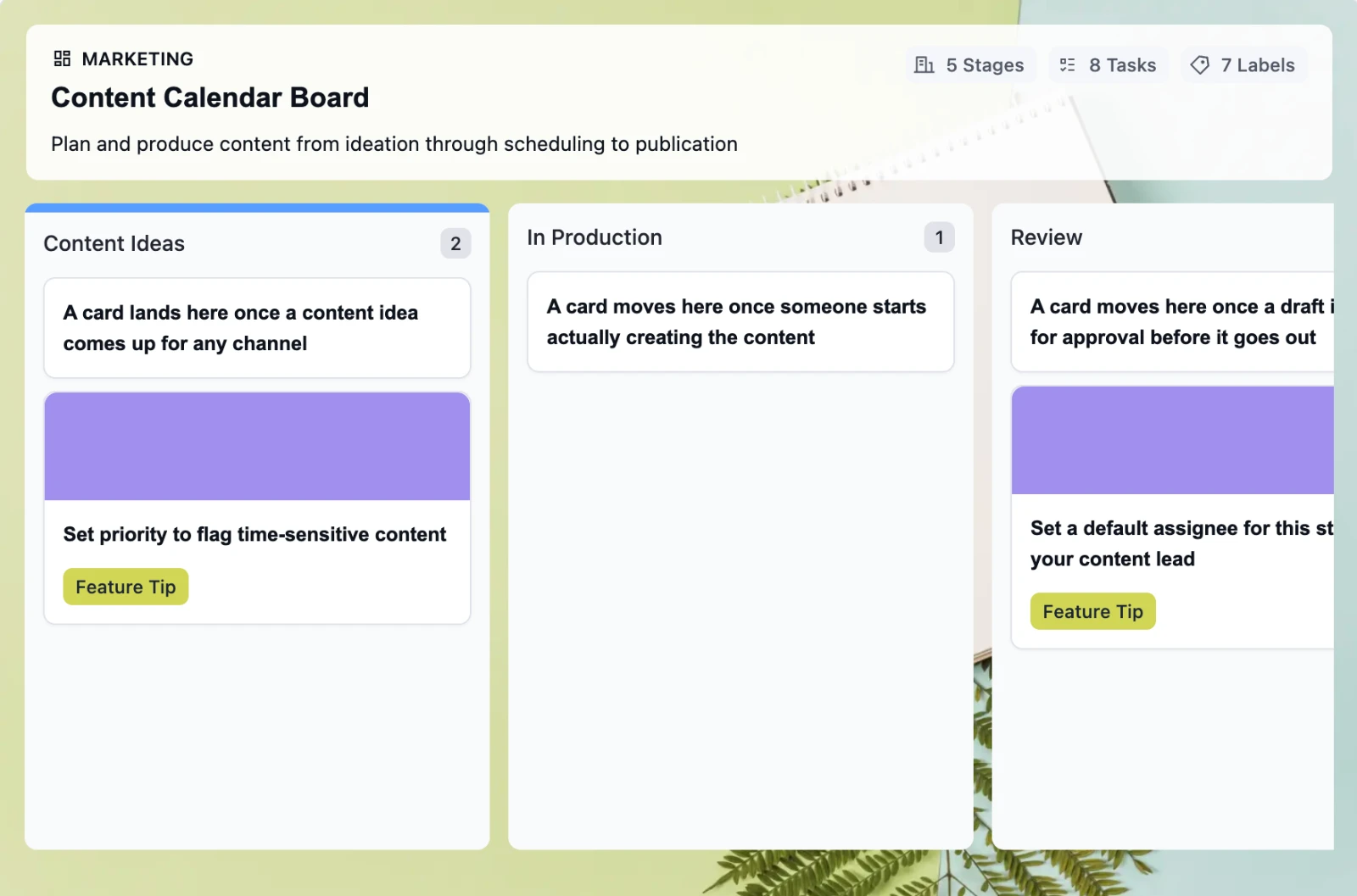
Retire the Content Calendar Nobody Updates
This free employee onboarding template takes new hires from offer acceptance through their 30-day check-in, so nothing slips through the cracks when your team is already juggling everything else
-
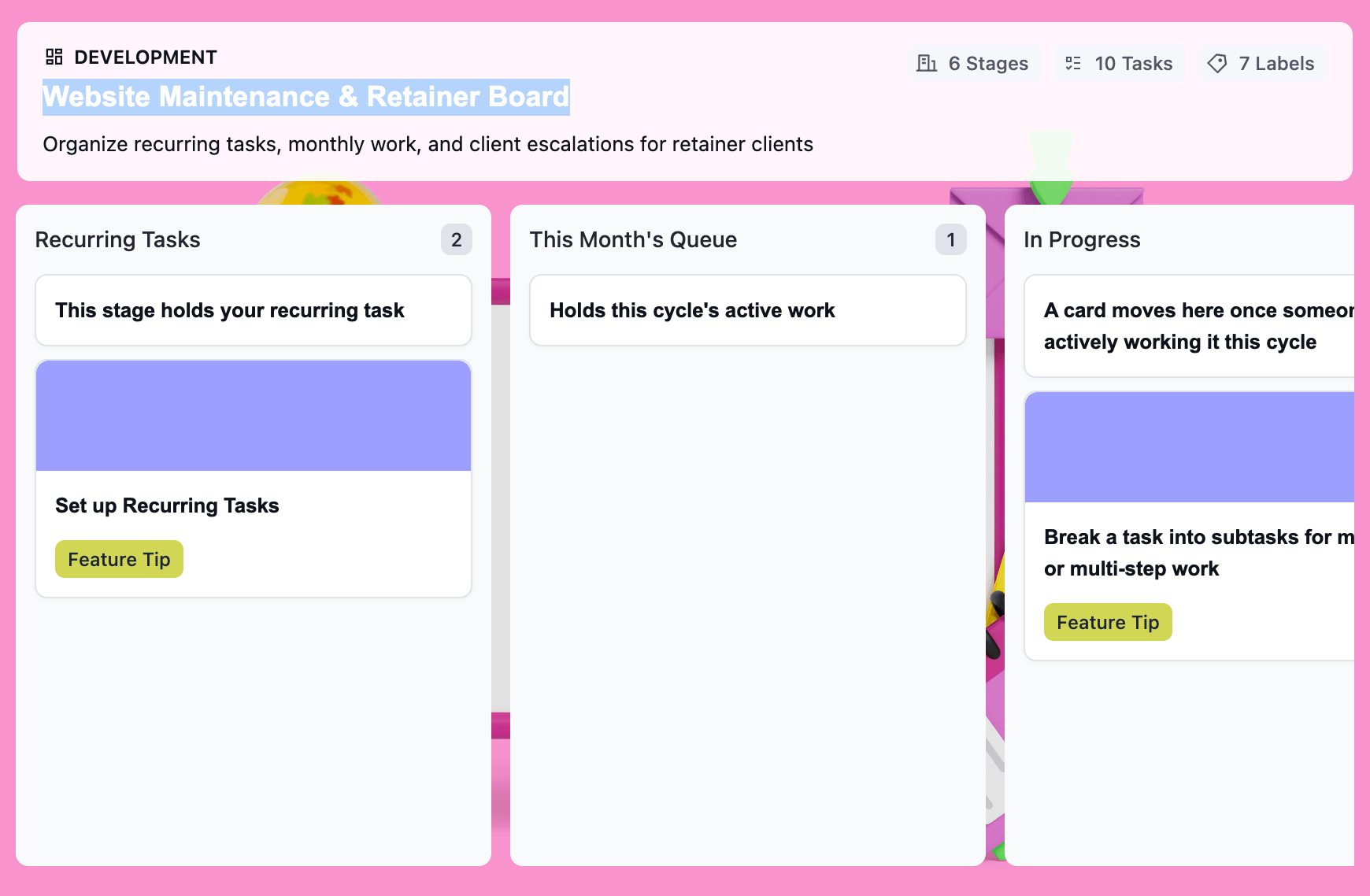
Turn Retainer Client Work Into a Clear Workflow
This free website maintenance retainer template gives you one board per client: recurring tasks that regenerate on schedule, a clear lane for scope creep, and a month-end record that’s already built.
-
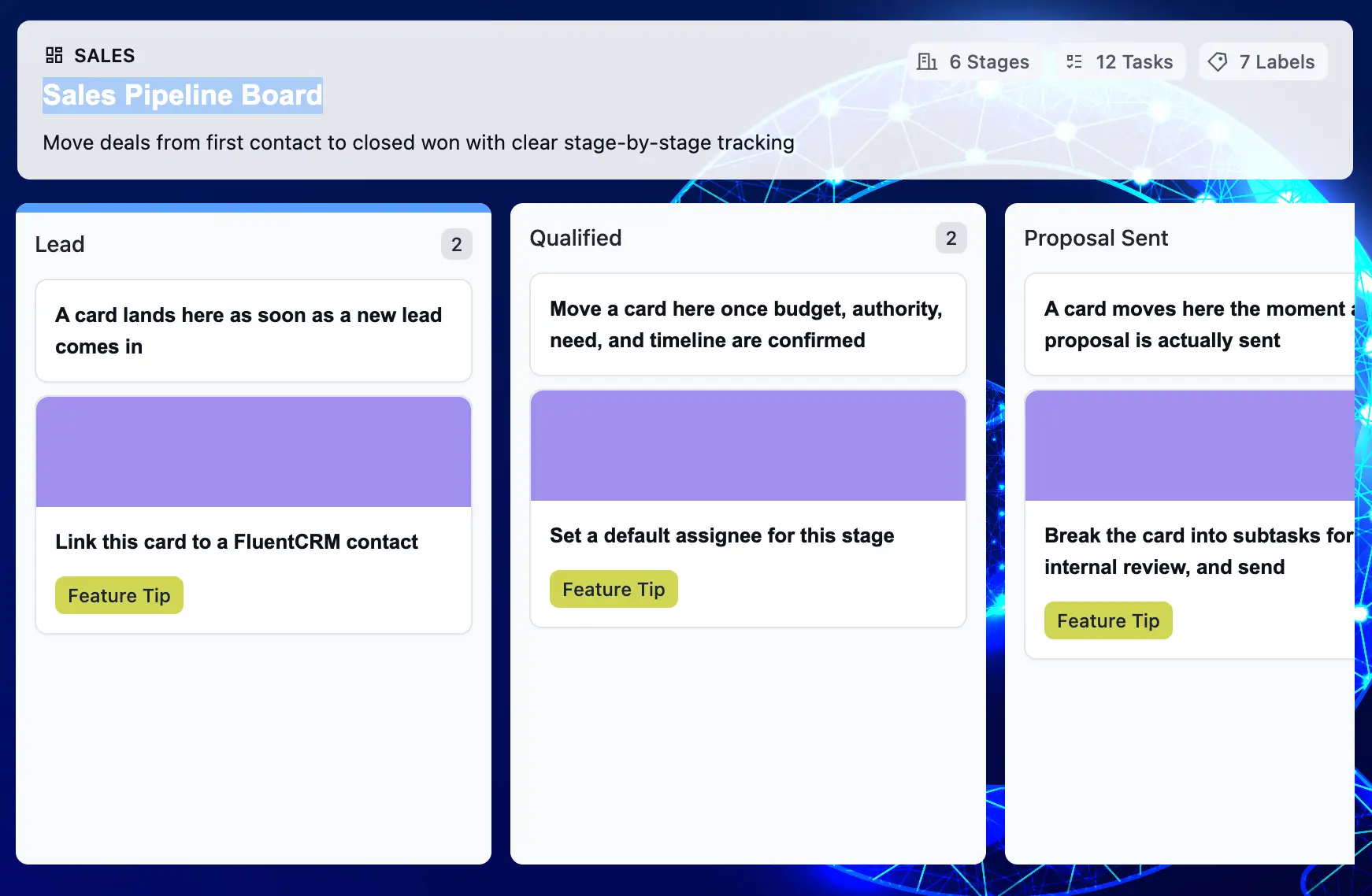
Make Your Sales Pipeline Easier to See and Manage
This free sales pipeline template tracks every deal from first contact to closed — so you never lose a lead to a missed follow-up or a forgotten proposal again.

