Welcome to
FluentBoards Blog!

Master your projects with expert guidance! Subscribe now for exclusive project management tips sent directly to your inbox.

Newsletter Subscription Form

We won’t send you spam. Unsubscribe at any time.

Follow us on:
  • FluentBoards 2.0: The Biggest Update in FluentBoards History Is Here

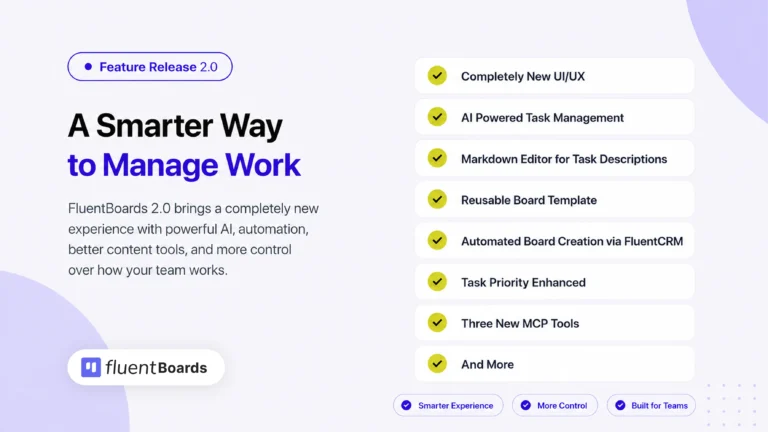
    FluentBoards 2.0: New UI/UX, Built-In AI, Smarter Reports, Dark Mode, and More!

blog
  • A Fresh Look, a Better Workflow: The New FluentBoards UI & UX

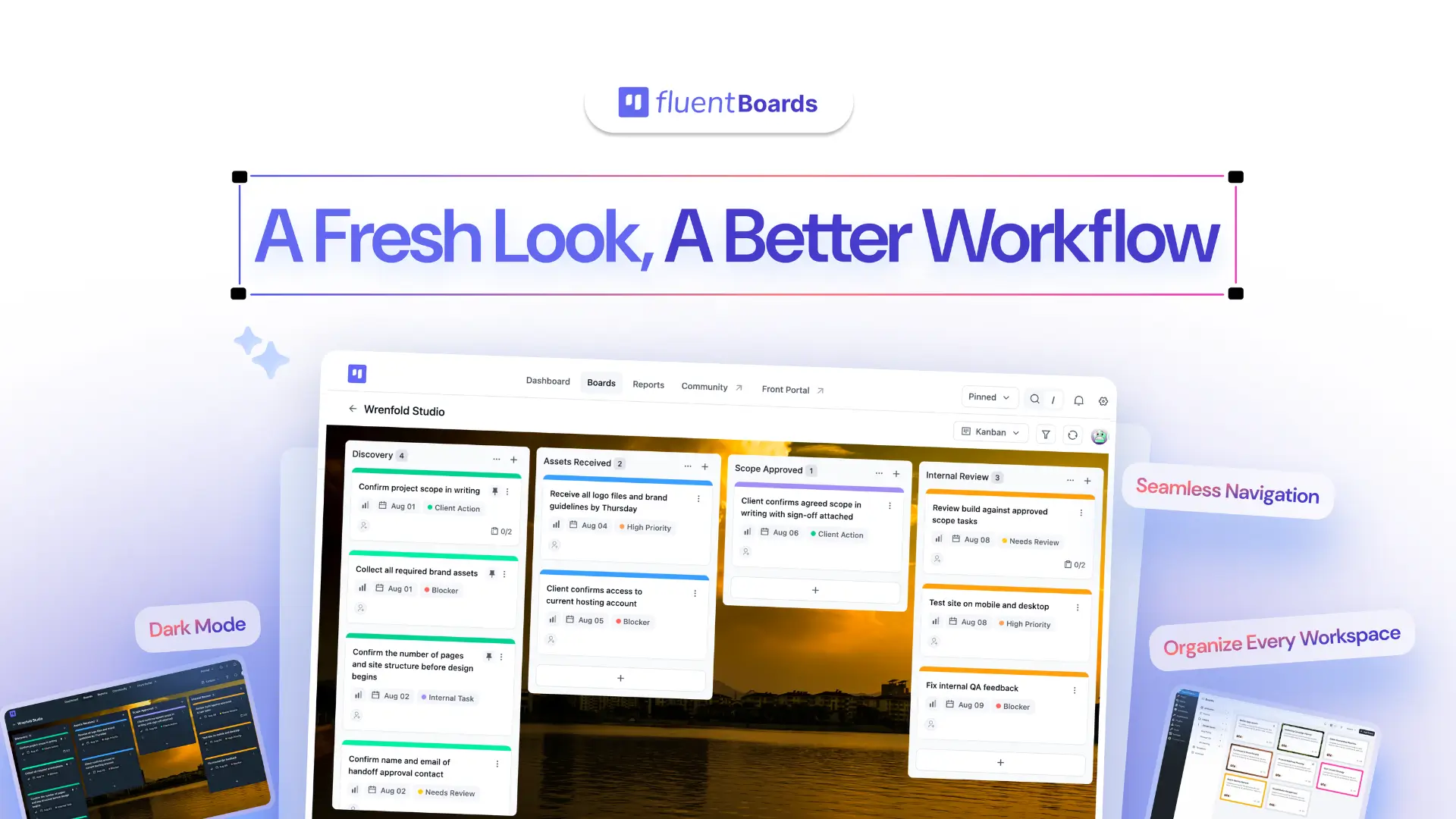
    A Fresh Look, a Better Workflow: The New FluentBoards UI & UX

  • How to connect MCP in FluentBoards

    How to Connect MCP in FluentBoards (Step-by-Step Guide)

  • fluentboards feature images (1910 x 1000 px) (5)

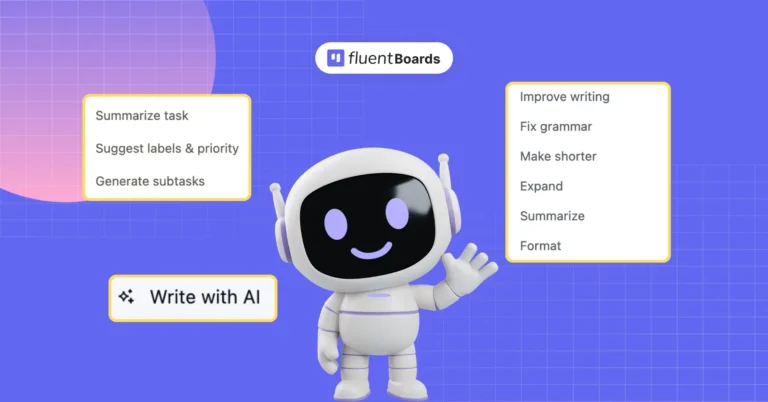
    How to Set Up Built-In AI in FluentBoards: OpenAI, Claude, Gemini, or WordPress AI

Want Our News, Tips, Product Updates and More?
Newsletter Subscription Form

We won’t send you spam. Unsubscribe at any time.

All Articles

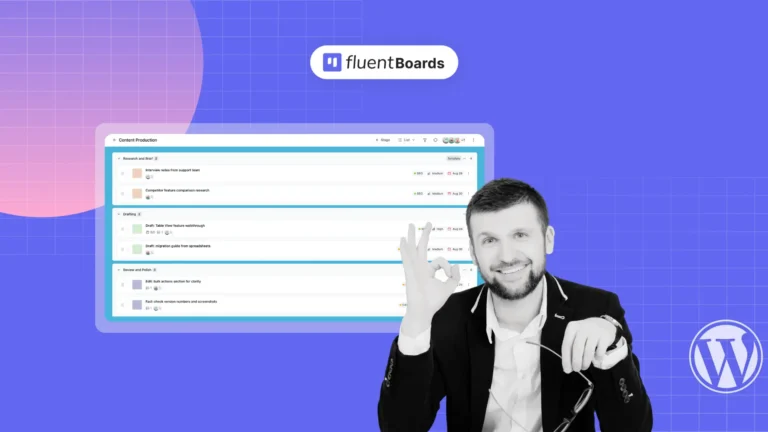
  • FluentBoards List View interface showing tasks organized in rows with priority and due date

    How to Use List View in FluentBoards (And Get More Out of It Than You Expect)

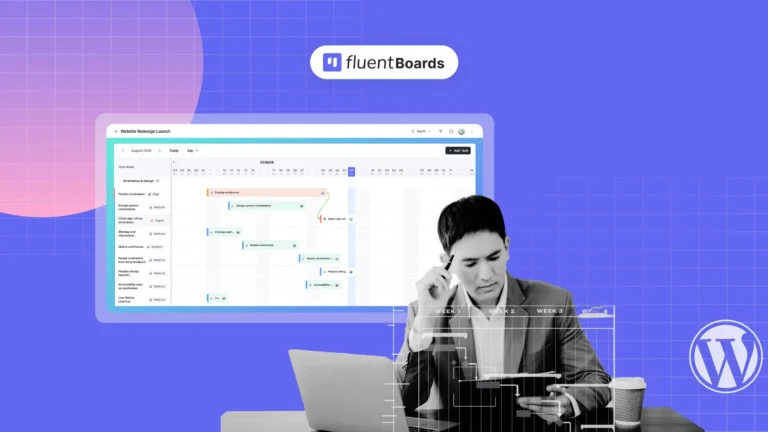
  • Gantt Chart View in FluentBoards showing tasks as bars on a timeline with a dependency line between two of them

    Gantt Chart View in FluentBoards: See Every Deadline, Dependency, and Delay Before It Happens

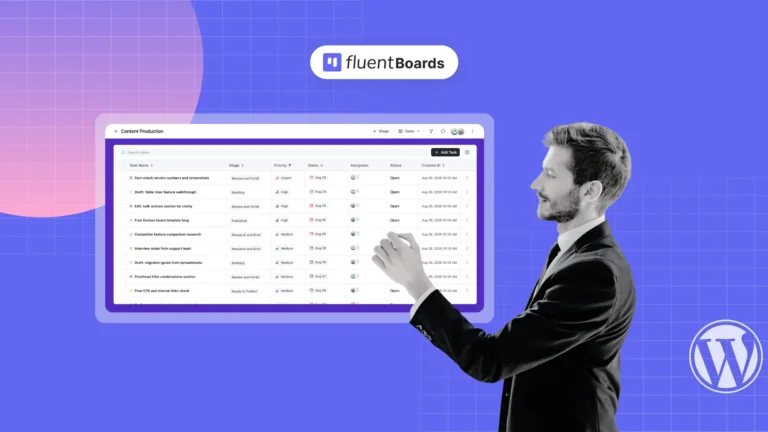
  • Table View in FluentBoards showing tasks as sortable rows with stage, priority, dates, and status columns.

    Table View in FluentBoards: Your Entire Project as One Sortable, Editable Spreadsheet

  • Team member planning project deadlines using FluentBoards Calendar View

    Calendar View in FluentBoards: Plan Projects by Deadline, Filter by What Matters, Miss Nothing

  • My Tasks project management dashboard in FluentBoards showing tasks across every board

    How to Use the My Tasks Dashboard in FluentBoards to Run Your Workday

  • Kanban board setup in FluentBoards showing stages and task cards

    How to Set Up Your First Kanban Board in FluentBoards

  • fluentboards x fluentcrm the killer combo your business was desperately searching for!

    FluentBoards X FluentCRM: The Killer Combo Your Business Was Desperately Searching For!

  • FluentBoards project templates interface for creating and reusing project boards, tasks, and workflows

    FluentBoards Templates: From a Single Task to a Fully Automated Project Pipeline

  • fluentboards feature images (1910 x 1000 px) (5)

    How to Set Up Built-In AI in FluentBoards: OpenAI, Claude, Gemini, or WordPress AI

Let’s redefine project management with FluentBoards!