

Keep Every Support Ticket on Track
This free support ticket template covers intake to resolution and stops bugs, billing complaints, and VIP issues from going quiet between handoffs.
How to Use This Template
Using the template is super simple!
If You’re a FluentBoards Pro User
- Go to your Boards Dashboard. Open Templates and select Built-in Templates
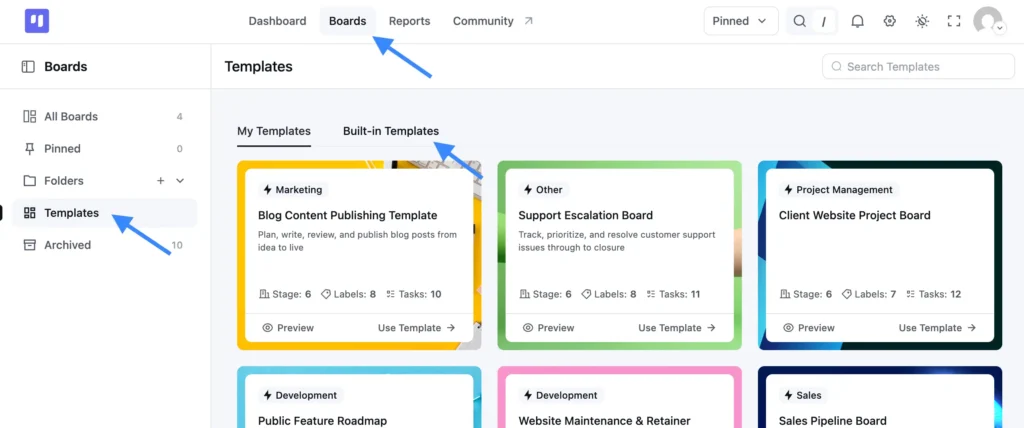
- Find this template and click Use Template
- Choose which stages and labels you want to keep
- Confirm your selection, and your new board is ready to use
If You’re a FluentBoards Free User
You can use the same template by importing the JSON file:
- Download the JSON file provided above
- Go to your Boards Dashboard and click Import
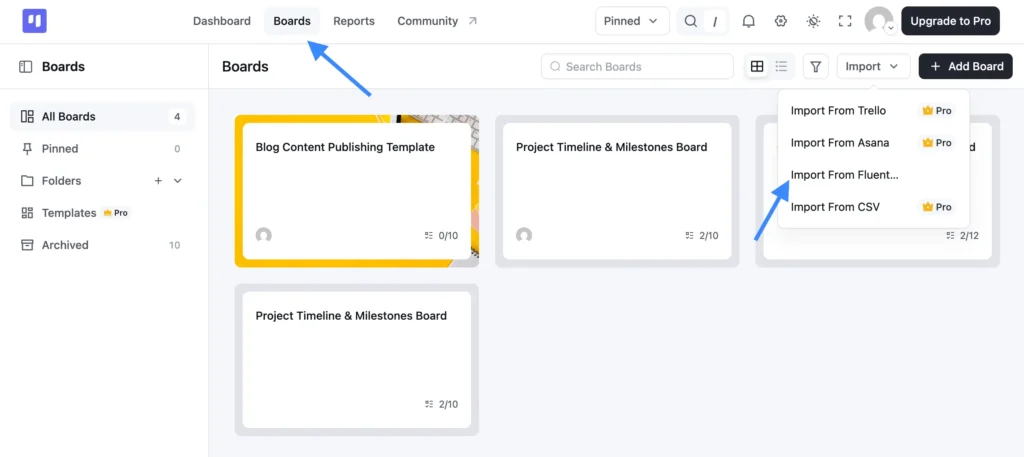
- From the dropdown, select Import from FluentBoards
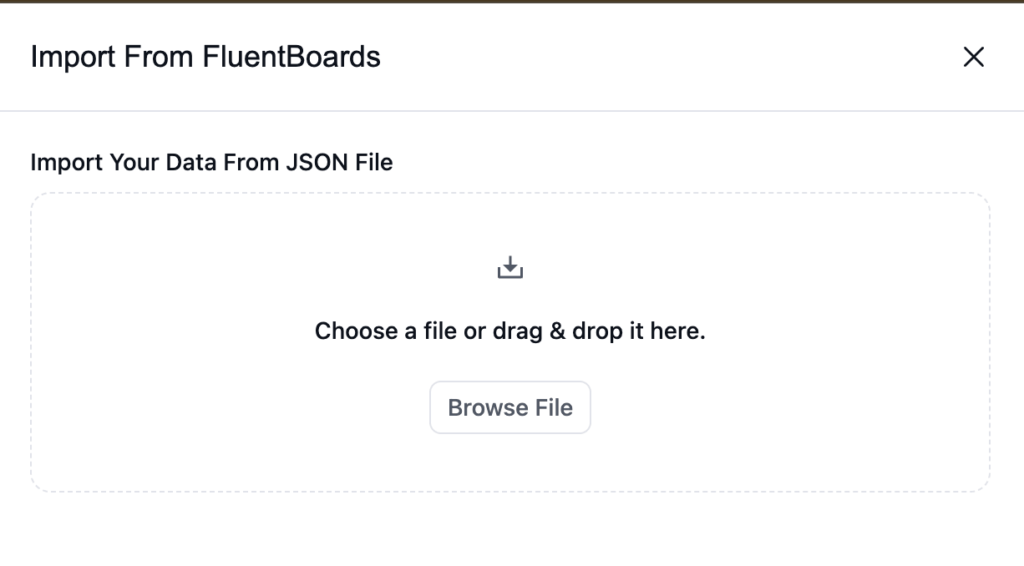
- Upload the JSON file you downloaded
- Complete the import, and your board is ready to go
Why Support Tickets Get Lost in the Process
Every team starts with good intentions: respond fast, fix it right, close the loop. But somewhere between the inbox and resolution, things stop going to plan.
- A bug report gets triaged and moved to “In Progress,” then sits there for two weeks because no one is sure who actually owns it
- A VIP customer’s billing complaint lands in the general queue, mislabeled, and you find out they’ve escalated to your CEO
- An escalation happens over Slack. The context stays there, and the next person starts from scratch
- A ticket gets marked Resolved before the customer confirms it’s fixed, and it comes back ten days later angrier than before
It’s not that your team doesn’t care. It’s that the process doesn’t give them a clear path to follow.
What This Customer Support Escalation Template Gives You
This template gives your support team one shared board where every ticket has a home, an owner, and a next step, from the moment it lands to the moment it’s closed.
Stages, in the order work actually moves:
- New Tickets: Every incoming request lands here. Nothing gets missed, nothing goes straight to someone’s personal queue.
- Triage: Assess severity, apply the right label, and route the ticket before it moves anywhere. This is where chaos gets sorted.
- In Progress: Active tickets with a clear owner. No more pinging the team to find out who’s handling what.
- Escalated: A dedicated stage for tickets that need senior attention, a dev, or cross-team coordination. Escalations stop being invisible.
- Resolved: Documented fixes, ready for customer follow-up before closing.
- Closed: Confirmed resolved. Clean, archived, done.
Labels built to reflect what actually comes through support:
- Bug: Flag reproducible issues that need dev attention without letting them drown in the general queue
- Feature Request: Capture product feedback in the same workflow without mixing it up with urgent issues
- Documentation: Track the gaps in your help content that keep generating repeat tickets
- Billing/Refund: Keep financial tickets separated so finance or account management can stay in the loop
- Waiting on Customer: Know exactly which tickets are blocked on the other side, not your team
- VIP Customer: Surface high-value accounts before they escalate past your support team
- High Priority: Flag issues that need same-day attention before they become tomorrow’s emergency
No setup headaches. Import it, make it yours, and start shipping.
Who It’s Built For
If your support team is managing a mix of bugs, billing questions, and feature requests with no clean system separating them, this board is for you.
- Support leads at WordPress plugin companies running multi-tier support across a small team, without the budget for a dedicated enterprise helpdesk platform
- Customer success managers who need visibility into what’s open, what’s escalated, and what’s waiting on a customer response, without digging through email threads
- Founders handling support themselves, trying to tell urgent bugs apart from low-priority feature requests before the day gets away from them
- Agency support teams managing tickets across multiple client accounts with no single system tying everything together
Frequently Asked Questions
Works Hand in Hand With Your Fluent Stack

Related Templates
-
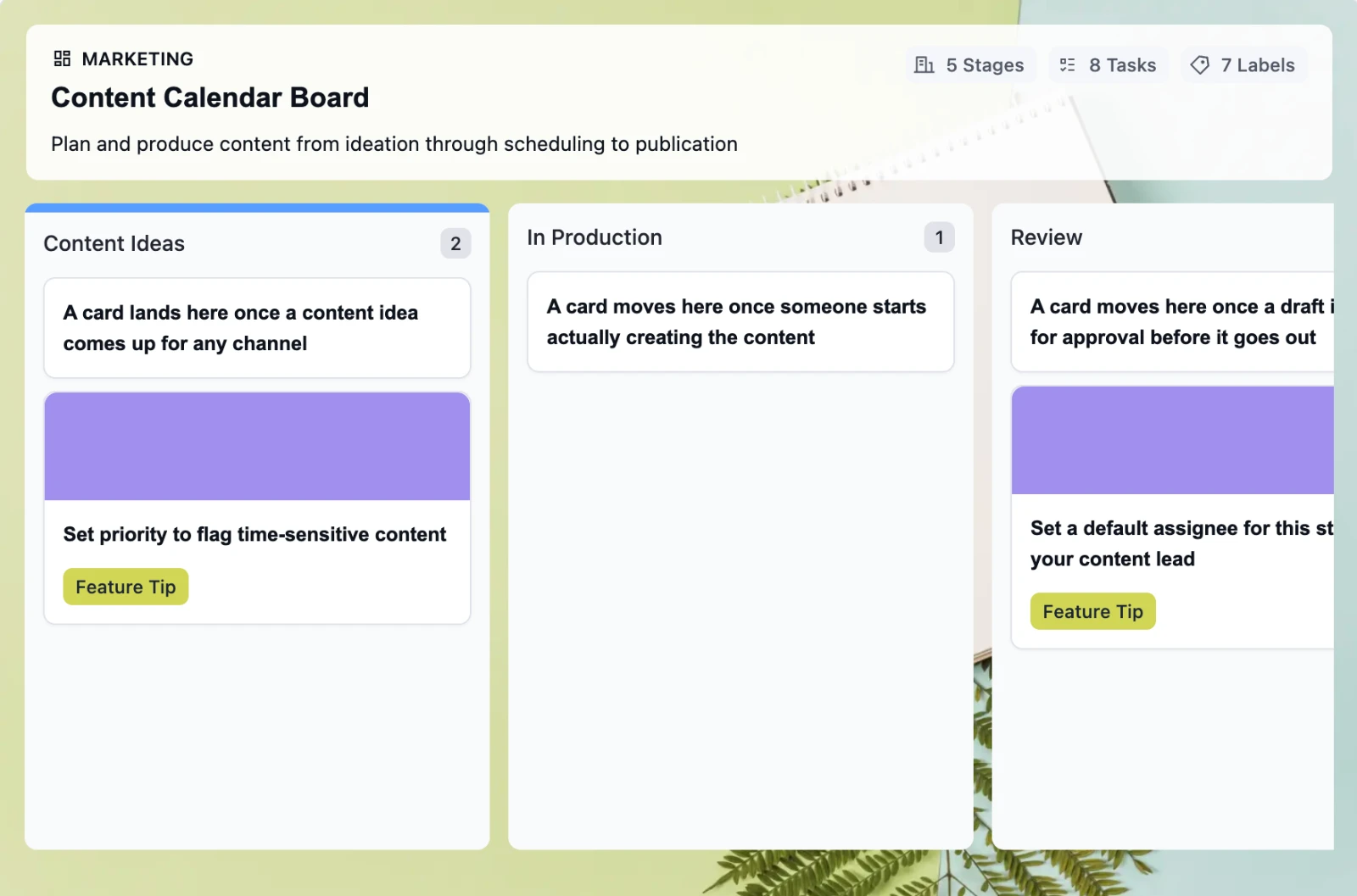
Retire the Content Calendar Nobody Updates
This free employee onboarding template takes new hires from offer acceptance through their 30-day check-in, so nothing slips through the cracks when your team is already juggling everything else
-
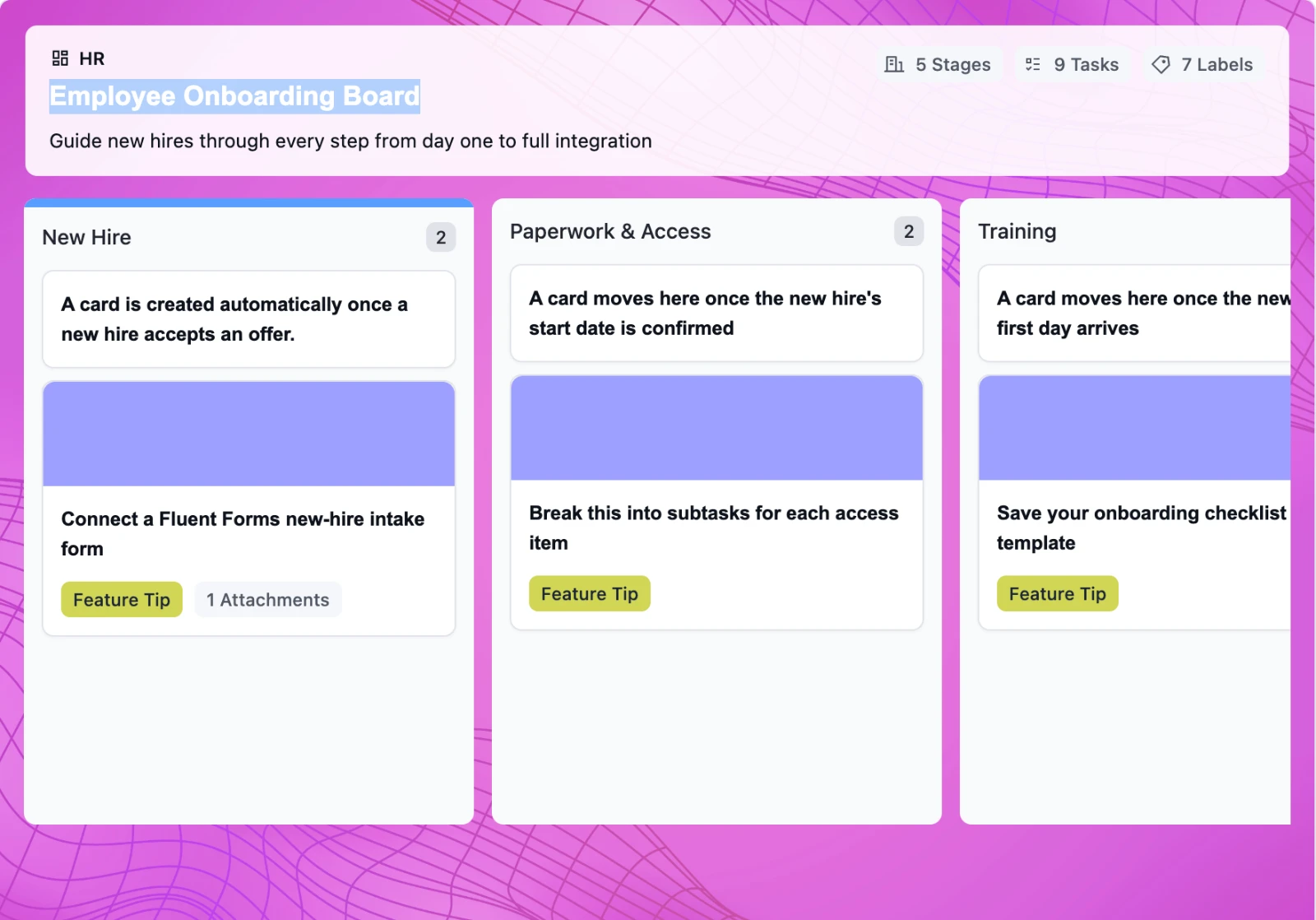
Onboard New Hires Without the Scramble
This free employee onboarding template takes new hires from offer acceptance through their 30-day check-in, so nothing slips through the cracks when your team is already juggling everything else
-
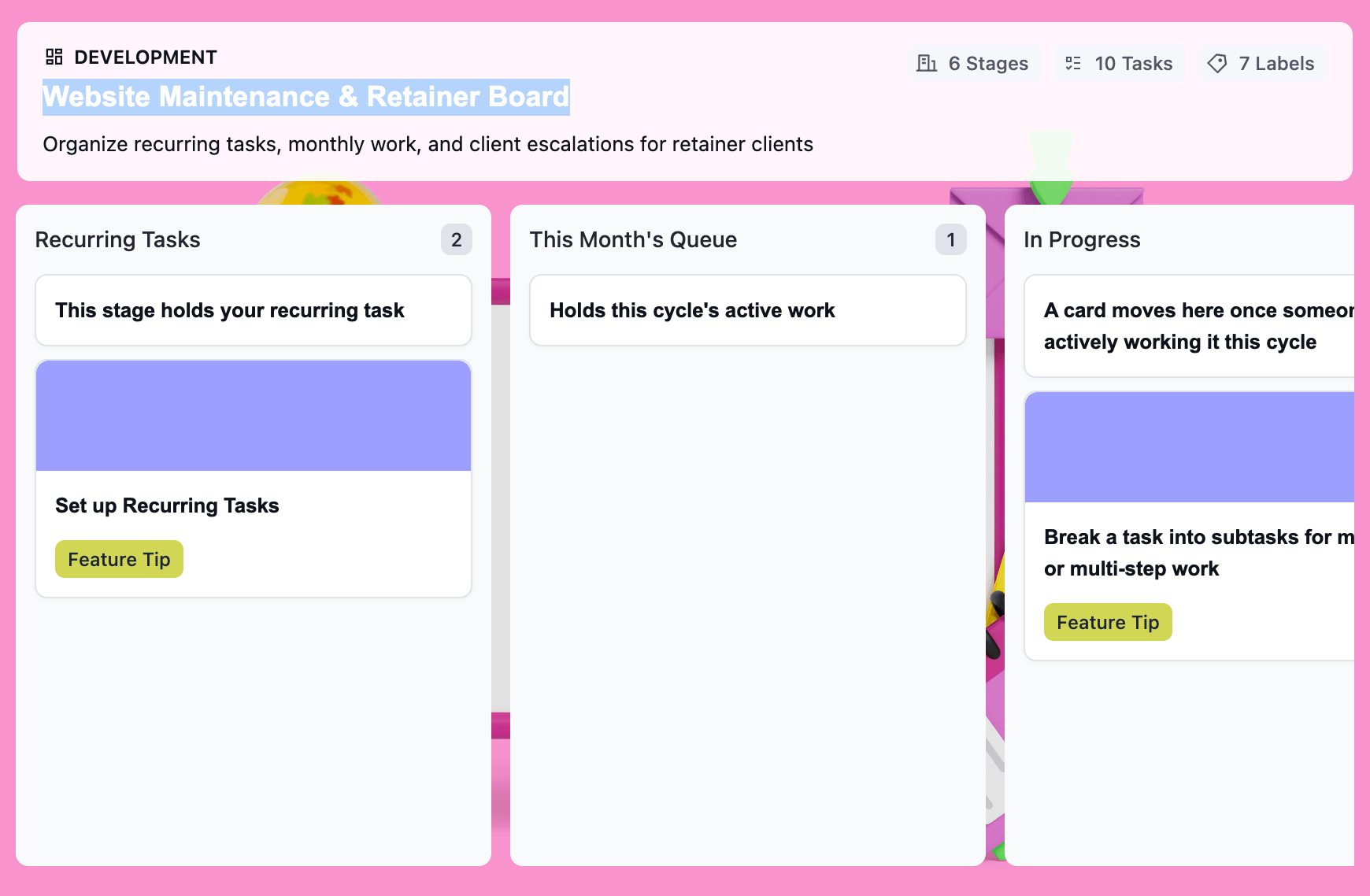
Turn Retainer Client Work Into a Clear Workflow
This free website maintenance retainer template gives you one board per client: recurring tasks that regenerate on schedule, a clear lane for scope creep, and a month-end record that’s already built.

