

Make Your Sales Pipeline Easier to See and Manage
This free sales pipeline template tracks every deal from first contact to closed — so you never lose a lead to a missed follow-up or a forgotten proposal again.
How to Use This Template
Using the template is super simple!
If You’re a FluentBoards Pro User
- Go to your Boards Dashboard. Open Templates and select Built-in Templates
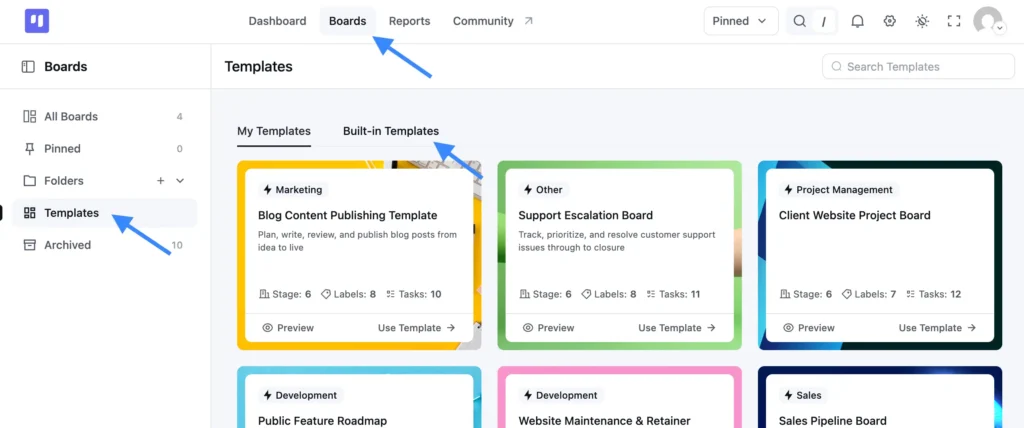
- Find this template and click Use Template
- Choose which stages and labels you want to keep
- Confirm your selection, and your new board is ready to use
If You’re a FluentBoards Free User
You can use the same template by importing the JSON file:
- Download the JSON file provided above
- Go to your Boards Dashboard and click Import
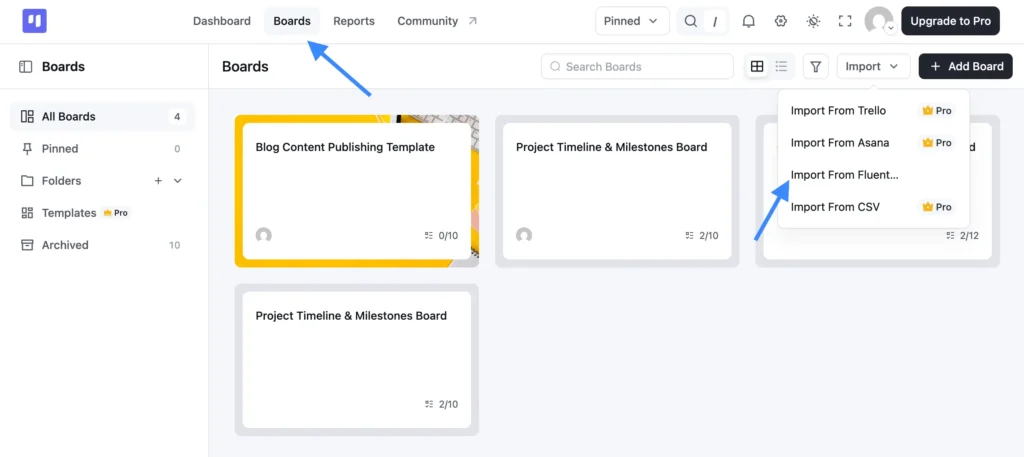
- From the dropdown, select Import from FluentBoards
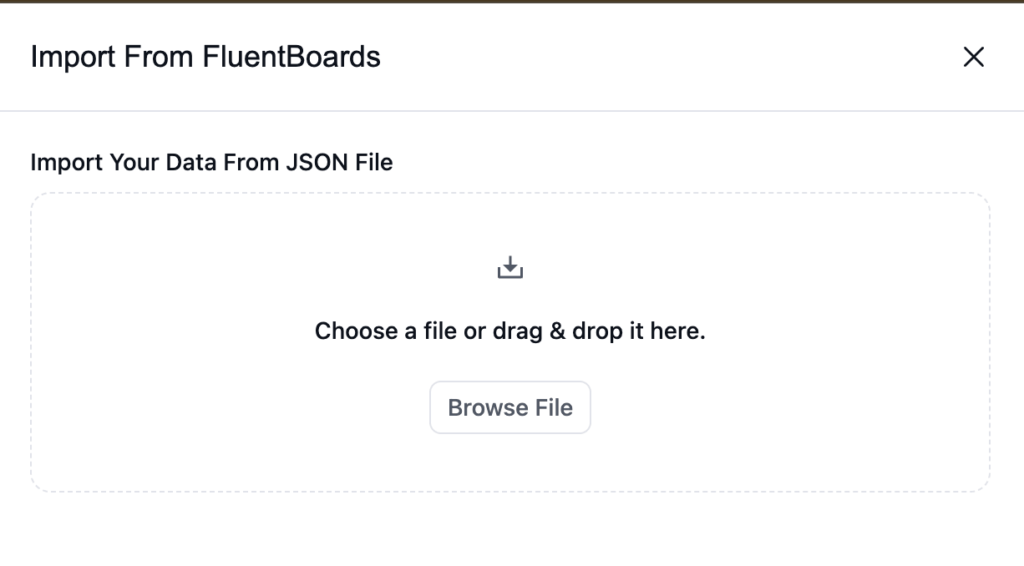
- Upload the JSON file you downloaded
- Complete the import, and your board is ready to go
Why Sales Teams Lose Track of Deals
Every deal starts with momentum. But somewhere between the first call and the signed contract, things go quiet.
- A new lead sits in someone’s inbox for two weeks because no one claimed it
- A proposal goes out and nobody logs it, so “following up” turns into hoping the prospect remembers you
- A deal gets moved to Closed Won on a verbal yes — before a contract exists
- You lose to price, timing, or a competitor and have no record of it, so the same thing happens next quarter
It is not that your team is bad at sales. It is that sales without a shared system is just organized guessing..
What This Sales Pipeline Template Gives You
This sales pipeline template gives your team one shared view of every deal, at every stage, so nothing gets lost between calls.
Stages, in order:
- Lead: Every new contact lands here first. Capture now, qualify later. Cold outreach, inbound form fills, and referrals all start in the same place.
- Qualified: Cards move here once budget, authority, need, and timeline are confirmed. Anything that does not qualify goes to Closed Lost, not back to Lead.
- Proposal Sent: Only after the proposal actually leaves your inbox. Not while it is in draft. Subtasks let you track the drafting, internal review, and send steps separately so you can see exactly where it is stuck.
- Negotiation: Active live discussion with a real prospect. Add a deal value custom field to see total pipeline worth at a glance without opening a separate spreadsheet.
- Closed Won: Signed contract or confirmed payment only. A verbal yes does not move a card here.
- Closed Lost: Log the reason in a custom field every time. After a few months, you will know exactly where your pipeline leaks, whether it is pricing, timing, or a competitor winning on features.
Labels included:
- Hot Lead: Flags prospects who are actively evaluating so your team knows to prioritize outreach now, not next week
- Cold Lead: Keeps low-intent contacts in the pipeline without clogging your active deals
- Enterprise: Marks accounts that need a longer sales cycle, more stakeholders, and a different conversation entirely
- SMB: Tracks smaller accounts that move faster and close on different terms than your enterprise deals
- Renewal: Surfaces existing customers coming up for renewal so they don’t fall through the cracks before the deadline
- High Value: Cuts through the pipeline when a deal is large enough to warrant direct attention from senior sales
Filter by deal type or urgency without digging through every card. No setup headaches. Import it, make it yours, and start working your pipeline.
Who It’s Built For
If you are running a sales process and still tracking deals in a spreadsheet or inside a CRM you barely open, this is for you.
- Freelancers and agency owners juggling active proposals, follow-ups, and renewal conversations at the same time with no shared system to keep it all visible
- Small sales teams who need one board instead of individual deal trackers that no one else can see
- WordPress businesses managing recurring client relationships, retainers, or SaaS subscriptions where deals repeat and relationships matter long after close
- Solopreneurs who lose deals to forgetting, not to competition, and want a lightweight system that actually gets used
Frequently Asked Questions
Works Hand in Hand With Your Fluent Stack

Related Templates
-
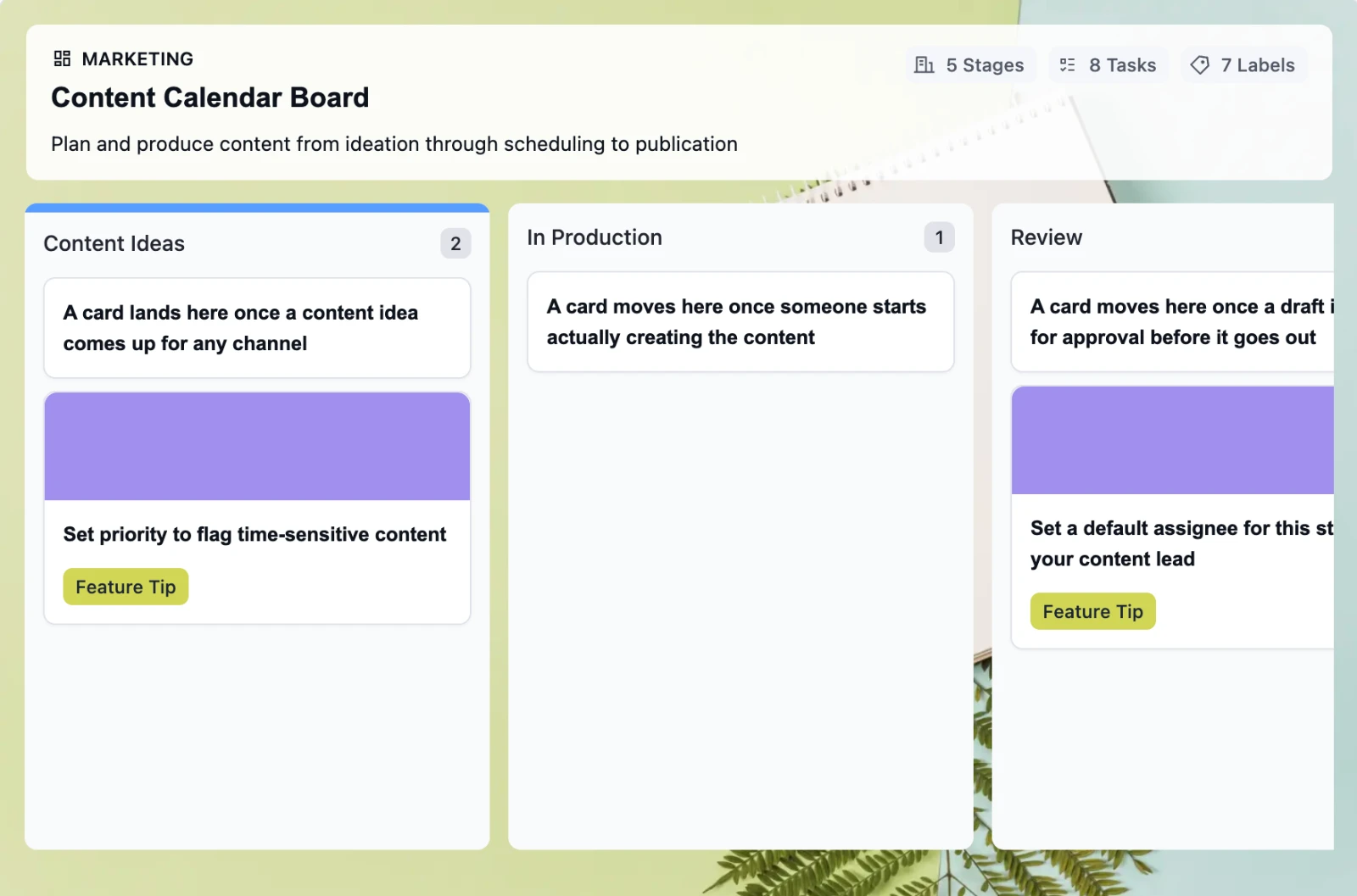
Retire the Content Calendar Nobody Updates
This free employee onboarding template takes new hires from offer acceptance through their 30-day check-in, so nothing slips through the cracks when your team is already juggling everything else
-
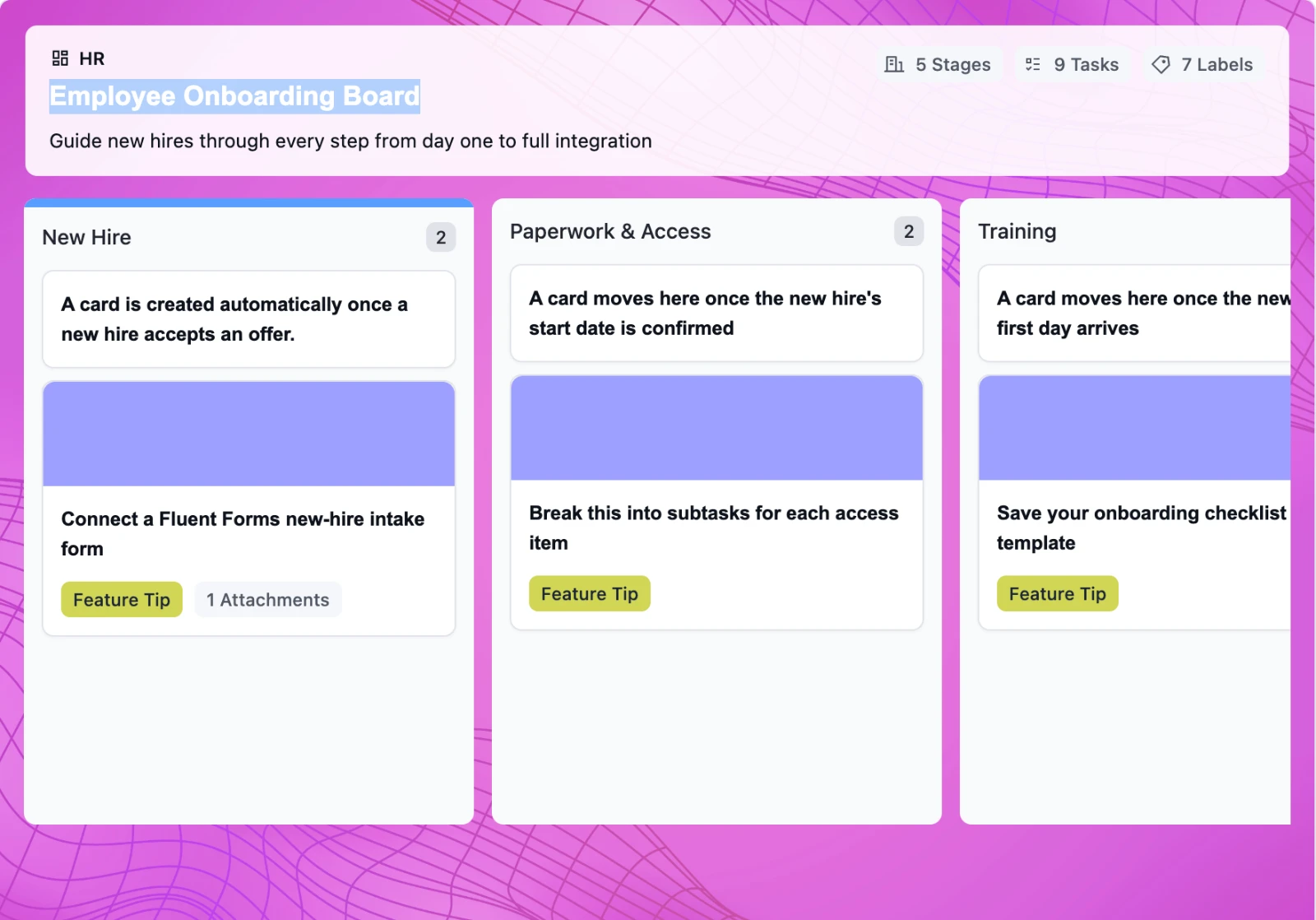
Onboard New Hires Without the Scramble
This free employee onboarding template takes new hires from offer acceptance through their 30-day check-in, so nothing slips through the cracks when your team is already juggling everything else
-
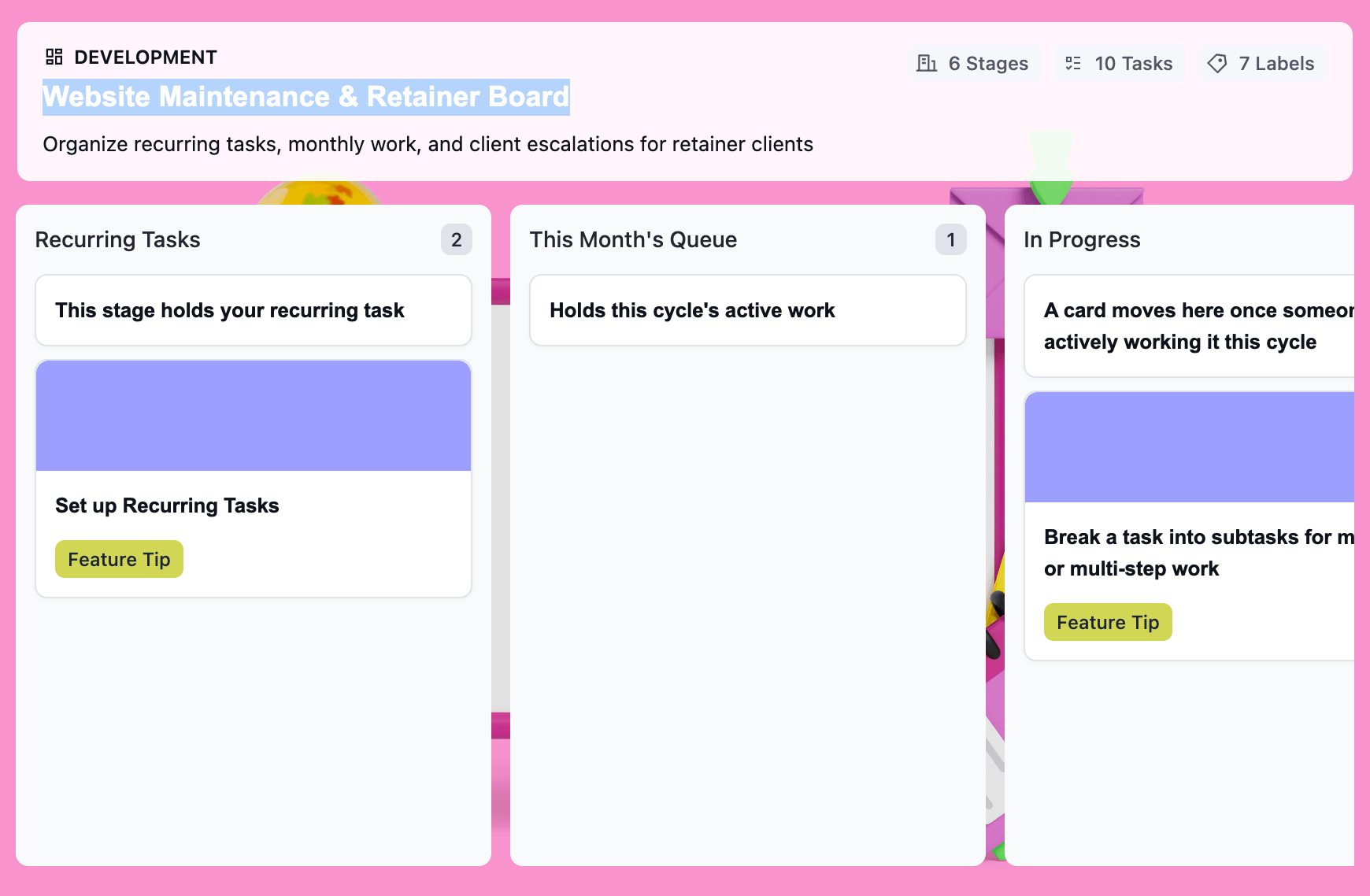
Turn Retainer Client Work Into a Clear Workflow
This free website maintenance retainer template gives you one board per client: recurring tasks that regenerate on schedule, a clear lane for scope creep, and a month-end record that’s already built.

