

Stop Losing Blog Posts in the Drafting Folder
This free blog content calendar template tracks every post from raw idea to published, so nothing stalls between drafts and you always know exactly what’s shipping this week
How to Use This Template
Using the template is super simple!
If You’re a FluentBoards Pro User
- Go to your Boards Dashboard. Open Templates and select Built-in Templates
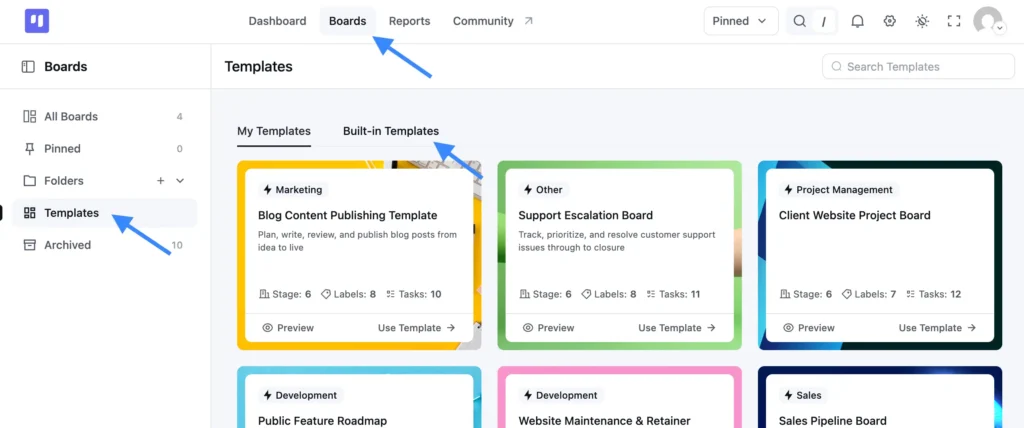
- Find this template and click Use Template
- Choose which stages and labels you want to keep
- Confirm your selection, and your new board is ready to use
If You’re a FluentBoards Free User
You can use the same template by importing the JSON file:
- Download the JSON file provided above
- Go to your Boards Dashboard and click Import
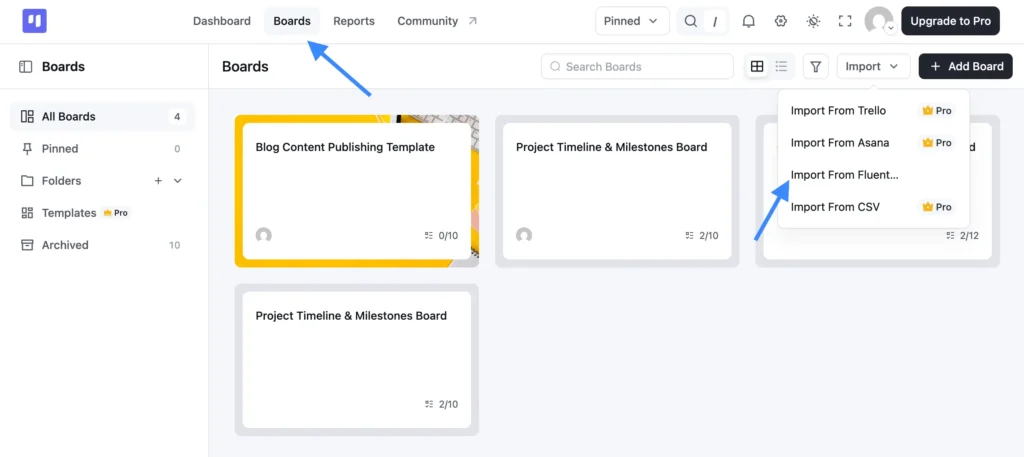
- From the dropdown, select Import from FluentBoards
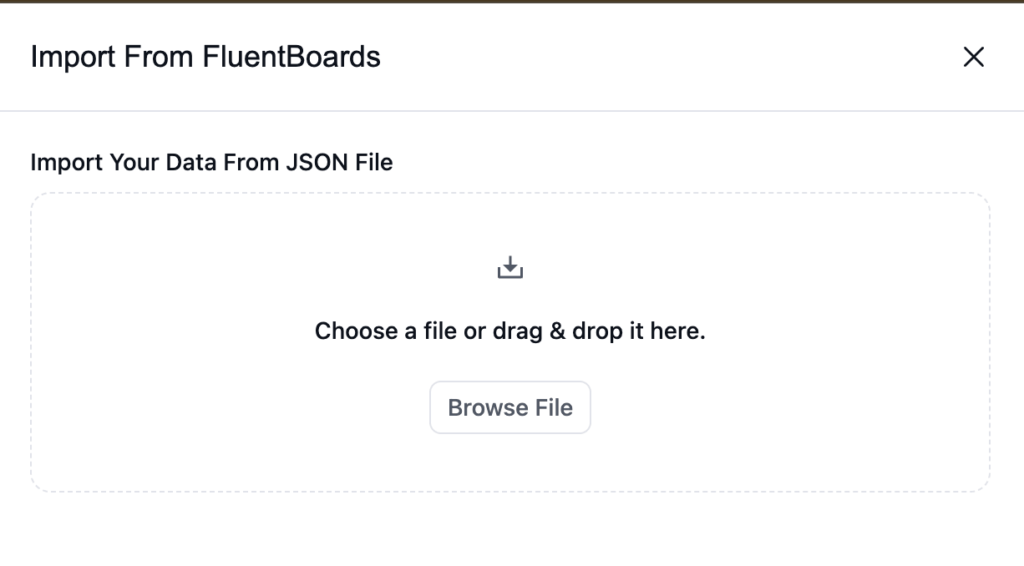
- Upload the JSON file you downloaded
- Complete the import, and your board is ready to go
Why Blog Publishing Projects Go Off the Rails
Every content program starts with a solid plan. Then real work begins, and the system quietly falls apart.
- A post sits in “Drafting” for three weeks because no one realized it was waiting on a review
- The editor leaves feedback, the writer doesn’t see it, and publish day comes and goes without a word
- You planned five posts for the month but genuinely can’t tell which two are actually close to done
- Guest posts, rewrites, and pillar pieces all pile into the same shared doc, with no way to tell what’s urgent and what’s just… there.
The problem isn’t your writers or your editors. The problem is that no shared system lets everyone see everything at once.
What This Blog Content Calendar Template Gives You
This blog content calendar template gives your content team one shared pipeline, from raw idea to live post, so everyone knows exactly where every piece stands at a glance.
Stages (in order):
- Idea Backlog: Where every post idea lands before anyone commits to it. Nothing gets lost, nothing gets forgotten.
- Research & Brief: The writer knows exactly what angle to take before touching a blank page, so the first draft isn’t a wasted one.
- Drafting: Active writing in progress. The team can see what’s being worked on without pinging anyone.
- Review and Polish: The editor has the ball. The writer isn’t waiting for an email to know their draft is in queue.
- Ready to Publish: Approved and scheduled, one step away from going live with no last-minute scramble.
- Published: A running record of what went out and when, so nothing gets lost once it’s live.Basic guidance on what type of tasks belong in each stage
Labels:
- Pillar Content: Flags your cornerstone posts that need extra scrutiny before they go out.
- Cluster Content: Keeps supporting pieces connected to the pillar they’re meant to serve.
- Newsletter Tie-in: Surfaces which posts need to coordinate with your next email send.
- Refresh/Rewrite: Separates updates to existing content from net-new work so they don’t compete.
- Guest Post: Tracks external contributor pieces that have their own review timeline.
- High Priority: Cuts through the queue when a post needs to move fast.
- On Hold: Removes pieces from active work without killing the idea.
No setup headaches. Import it, make it yours, and start shipping.
Who It’s Built For
If you’re managing a blog with more than one person touching it, this template is for you.
- Content managers who need one place to see what’s in progress, what’s blocked, and what’s publishing this week, without chasing writers on Slack for a status update
- Marketing teams running a content program alongside campaigns, and tired of posts getting buried when a product launch takes over the calendar
- Freelance writers and editors juggling multiple clients who need a clean, professional system to show where every piece lives at any given moment
- WordPress site owners who publish consistently but have never had a real editorial workflow and are starting to feel the weight of running it out of their inbox
Frequently Asked Questions
Works Hand in Hand With Your Fluent Stack
Related Templates
-
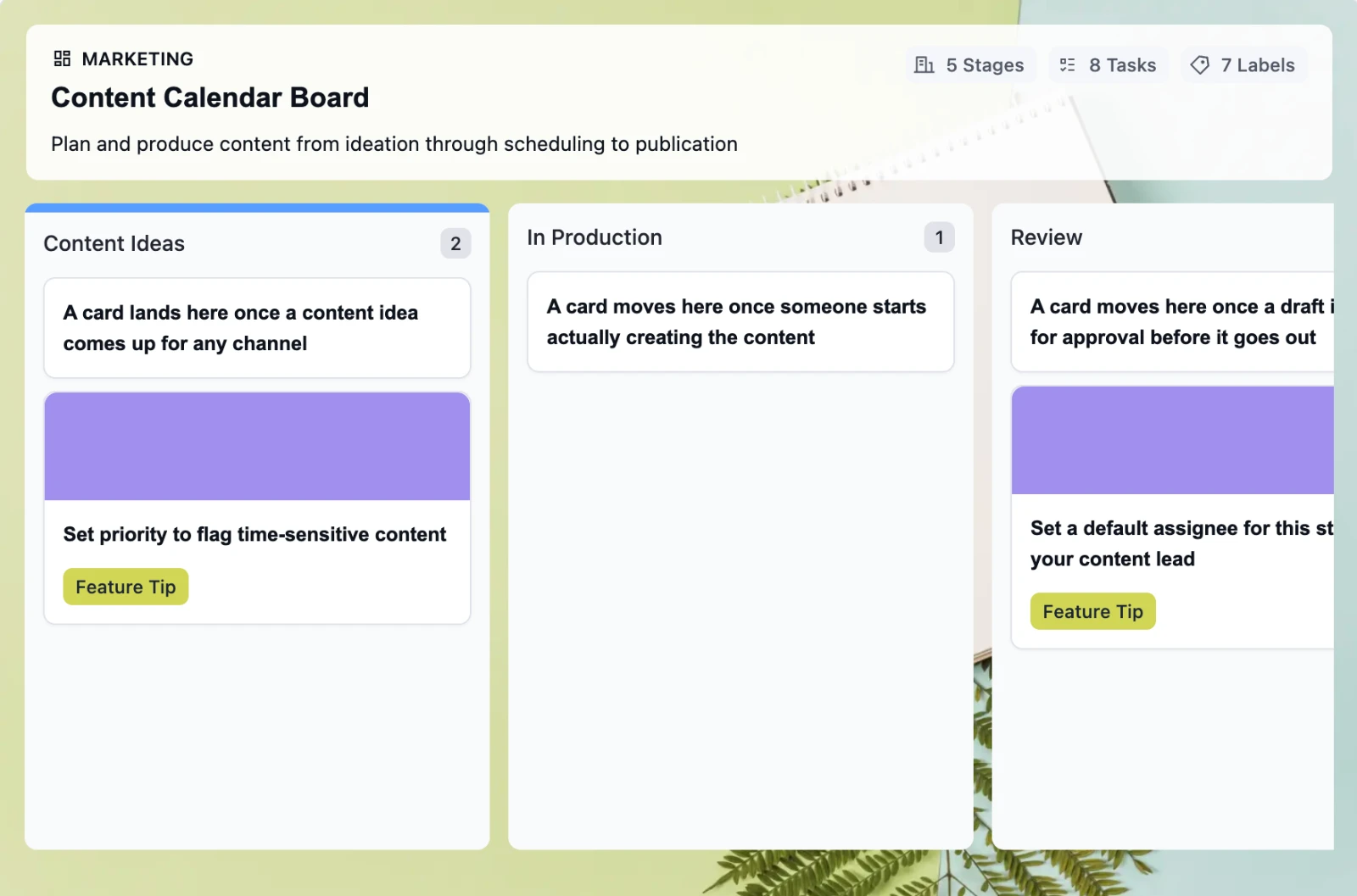
Retire the Content Calendar Nobody Updates
This free employee onboarding template takes new hires from offer acceptance through their 30-day check-in, so nothing slips through the cracks when your team is already juggling everything else
-
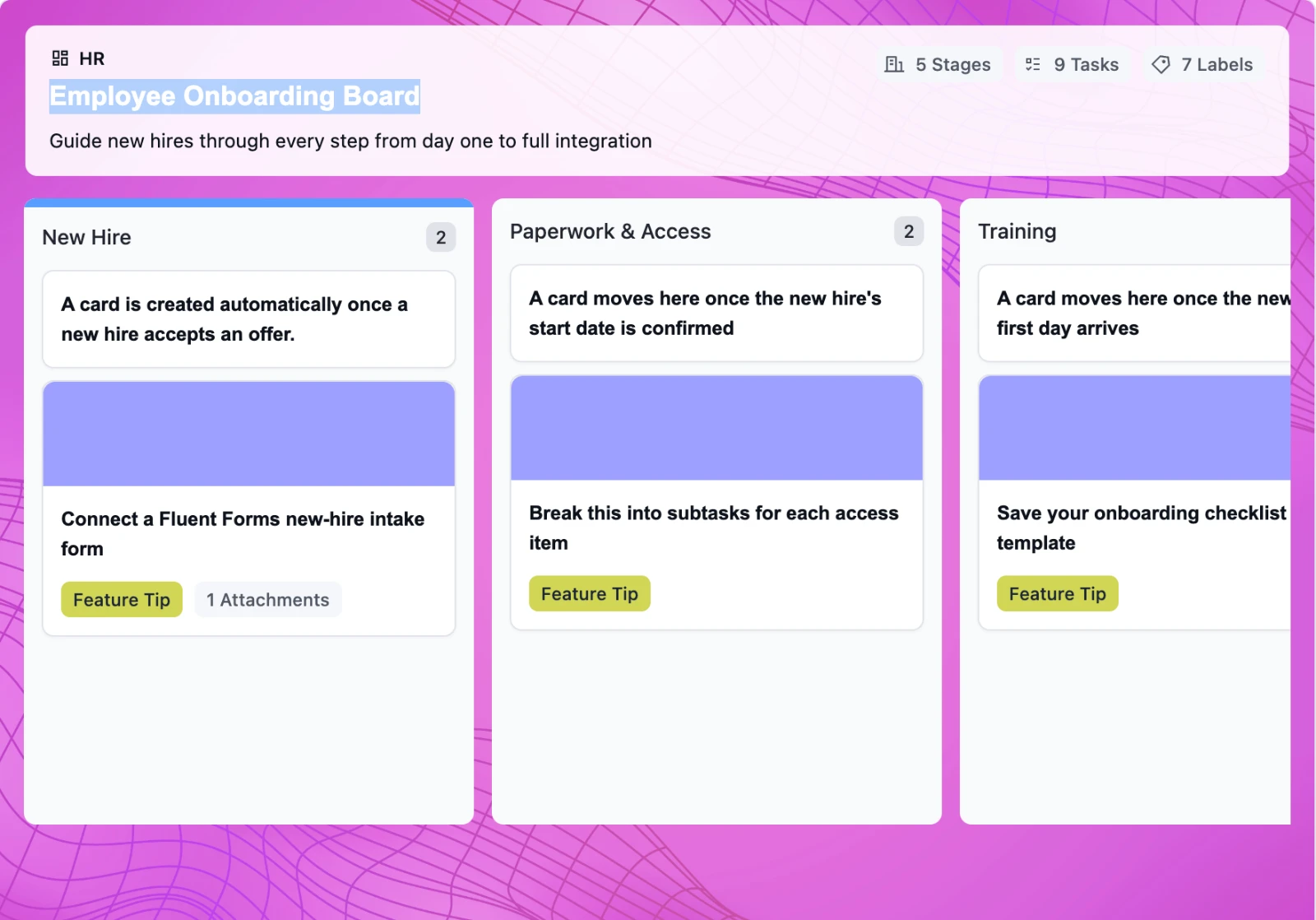
Onboard New Hires Without the Scramble
This free employee onboarding template takes new hires from offer acceptance through their 30-day check-in, so nothing slips through the cracks when your team is already juggling everything else
-
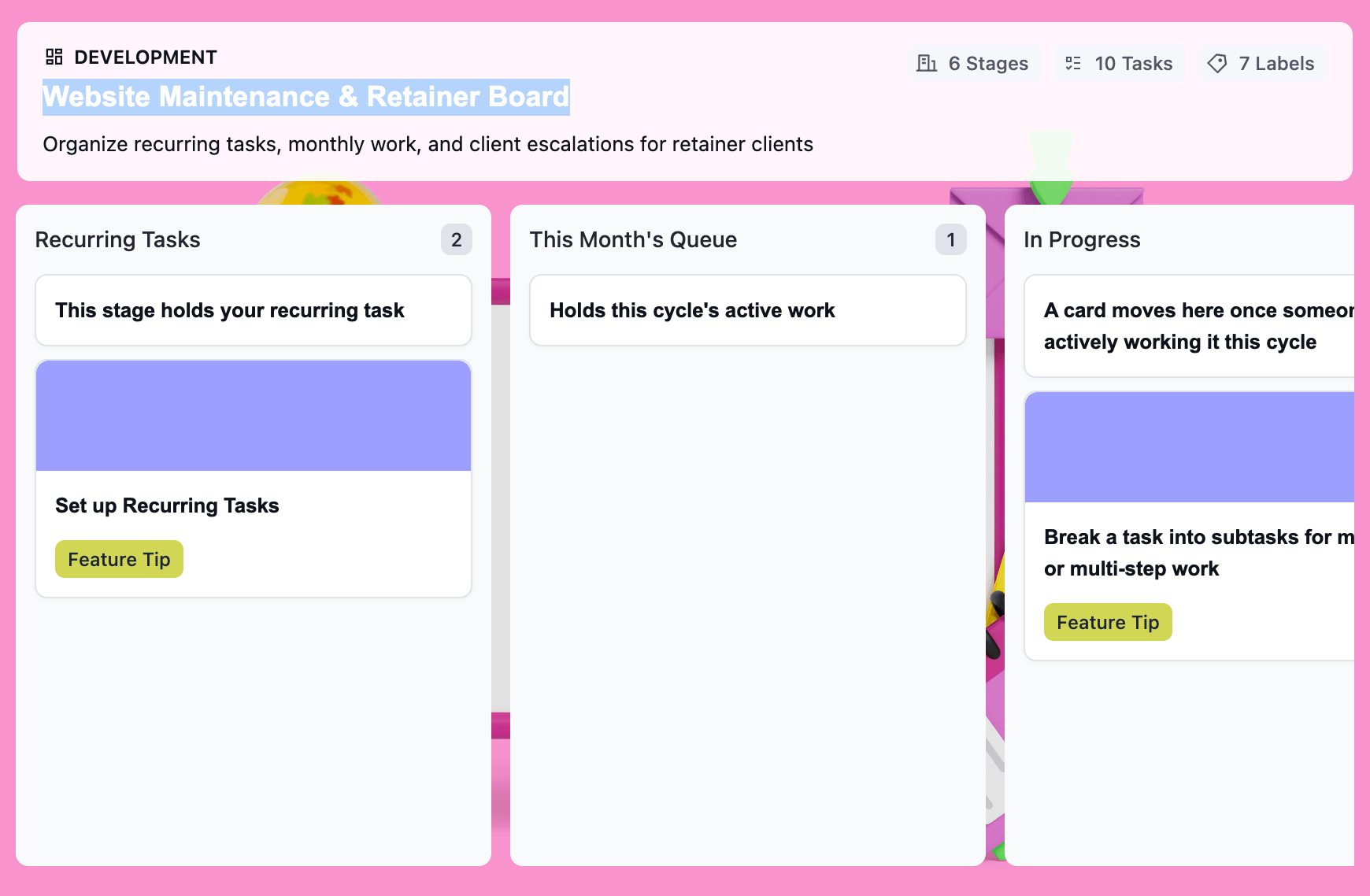
Turn Retainer Client Work Into a Clear Workflow
This free website maintenance retainer template gives you one board per client: recurring tasks that regenerate on schedule, a clear lane for scope creep, and a month-end record that’s already built.

