

Best Project Management Plugins for WordPress: Which Tool Works Best for Your Team in 2026?


There are dozens of project management plugins for WordPress available today. Most of them check the same three boxes:
- Create tasks
- Assign them
- Set a due date
The real differences show up when your team scales, a client demands visibility, or you’re stretched across six active projects at the same time. That’s when the plugin you chose in 20 minutes starts costing you hours.
This comparison covers the five best project management plugins for WordPress in 2026. Each one has been assessed on features, pricing model, and fit for WordPress-first teams and agencies.
The goal isn’t to name a single winner for everyone. It’s to help you pick the right tool for how your team actually works.
What to Look for in a Project Management Plugin for WordPress
Before we get to the tools, here are the six things that actually matter for WordPress teams.
Views available: Kanban is the starting point, but Calendar, Gantt, and Table views all serve different planning jobs. So check which views come with the free tier and which sit behind a paid plan before committing.
Pricing model: Some plugins charge per site, some charge a flat annual fee, and a few sell one-time licenses or individual add-ons instead. For growing teams or agencies managing multiple client sites, the pricing model matters just as much as the feature list.
Client sharing: Most agency clients need to see project progress, and plugins handle this in very different ways: some require clients to log into WordPress, some offer a dedicated frontend portal, and some have no client-facing feature at all.
Free tier quality: A plugin’s free version tells you a lot about the product, and if it’s barely usable, well, that’s a signal. The best tools on this list give you a genuinely useful free plan and let you upgrade when your team is ready.
Maintenance and updates: Here’s the one everyone skips, and in this niche it matters more than anywhere else. Several once-popular WordPress PM plugins have quietly stopped receiving updates, so before installing anything, check the last-updated date on wordpress.org. An unmaintained plugin isn’t a bargain, it’s a security risk.
Team size fit: A solo freelancer and a 20-person agency don’t need the same tool, and the most powerful plugin isn’t automatically the best one. The right pick is the one that fits your current scale without overcomplicating things.
Why WordPress Businesses Choose a Plugin Over a SaaS Tool
If you’re a WordPress-first business or agency, using a WordPress-native project management plugin isn’t just a preference, it’s a practical decision with real operational advantages.
Your data stays on your server: WordPress plugins store project data in your own database, which means you own it. For agencies handling client projects under NDA or businesses with data residency requirements, this isn’t a minor point: SaaS tools store your data on their servers, subject to their terms and retention policies.
No context switching: Every time your team leaves WordPress to check a project in a separate tab, that’s a friction point that adds up across a day and across a team. A WordPress-native plugin keeps project management where your team already is.
No per-user pricing surprises: Most SaaS tools made by top SaaS development companies charge per seat, and that’s fine at three people, but at fifteen it becomes a genuine budget line. WordPress PM plugins charge per site, as a flat annual fee, or as a one-time license, so your costs stay predictable as your team grows.
One fewer subscription: Every SaaS tool is another login, another renewal date, and another vendor relationship. Keeping project management inside WordPress consolidates your stack.
Native ecosystem integration: A WordPress PM plugin connects directly with the other plugins you already use: forms, CRM, support ticketing, and that integration happens inside WordPress without a third-party connector or a paid Zapier plan.
The 5 Best Project Management Plugins for WordPress in 2026
Every plugin below was verified against its own live pages in June 2026. The order reflects breadth, not a strict ranking.
| Plugin | Best for | Pricing model |
| FluentBoards | WordPress agencies and teams | Flat annual fee |
| WP Project Manager | Milestone-driven teams | Per site, annual |
| Zephyr Project Manager | One-time license buyers | One-time purchase |
| UpStream | Client-facing projects | Free + extension bundles |
| Taskbuilder | Simple free Kanban | Free + paid add-ons |
FluentBoards
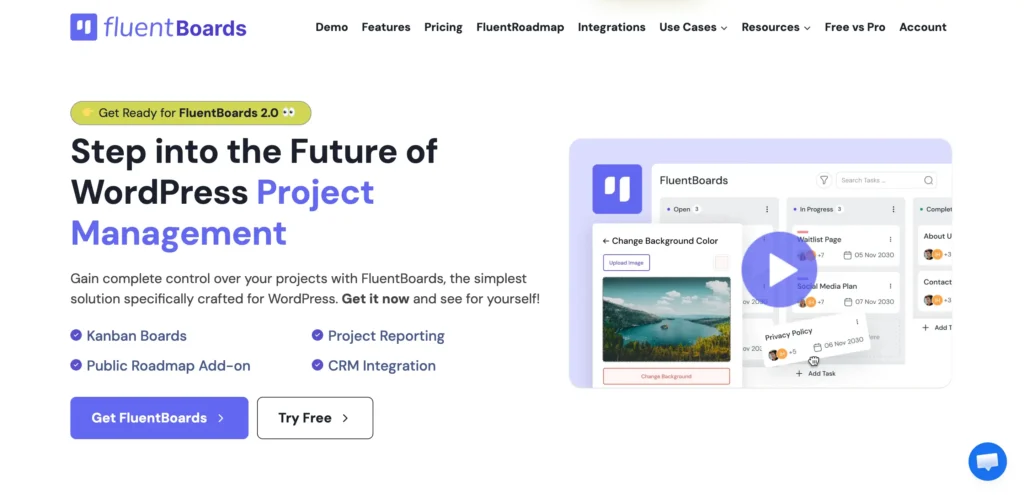
FluentBoards is a WordPress-native project management plugin built by WPManageNinja, and the origin story is worth knowing. By the time their team crossed 120 people, per-user SaaS pricing had become a real budget problem.
On top of that, constant switching between WordPress and external project tools was breaking focus across the entire team. No existing tool solved both problems inside WordPress, so they built one themselves.
FluentBoards went into internal use in January 2023. When it was ready for the world, they released it publicly in mid-2024. Two years later, more than 6,000 businesses use FluentBoards daily, with a reported 99% user satisfaction score.
What the free version includes:
- Unlimited projects, tasks, and assignees
- Kanban and List views
- Task management: due dates, priorities, comments
- Email notifications and project reporting
- Native integrations: FluentCRM, Fluent Forms, Fluent Support
What the paid tiers add:
- Calendar, Table, and Gantt Chart views with task dependencies
- Subtasks and subtask groups
- File attachments and custom fields
- Board and task templates
- Recurring tasks and task cloning
- Time tracking
- Frontend Portal for client-facing project access
- Role management and Stage Default Assignee automation
- Incoming and outgoing webhooks
- FluentRoadmap (public product roadmap, included with Pro)
- MCP support with 17 tools: connect AI assistants directly to your boards to create tasks, assign members, and update statuses through plain conversation. No other plugin on this list offers this.
Pricing (flat annual fee, no per-user pricing):
- Single site: $149/year
- Agency (5 sites): $349/year
- Unlimited sites: $699/year
See the full FluentBoards pricing for lifetime options
Best for: WordPress agencies, WordPress-first businesses, and teams of any size who want full project management inside WordPress without per-user fees.
One honest limitation: FluentBoards requires WordPress. Team members outside WordPress still access projects through the admin.
Check the FluentBoards Free vs Pro breakdown to know exactly what you get on each plan
Pro Tip: On the Agency plan, build one master board template and duplicate it for every new client project. Setup goes from an hour to two minutes.
Testing a tool with your team is the best way to assess its suitability
WP Project Manager
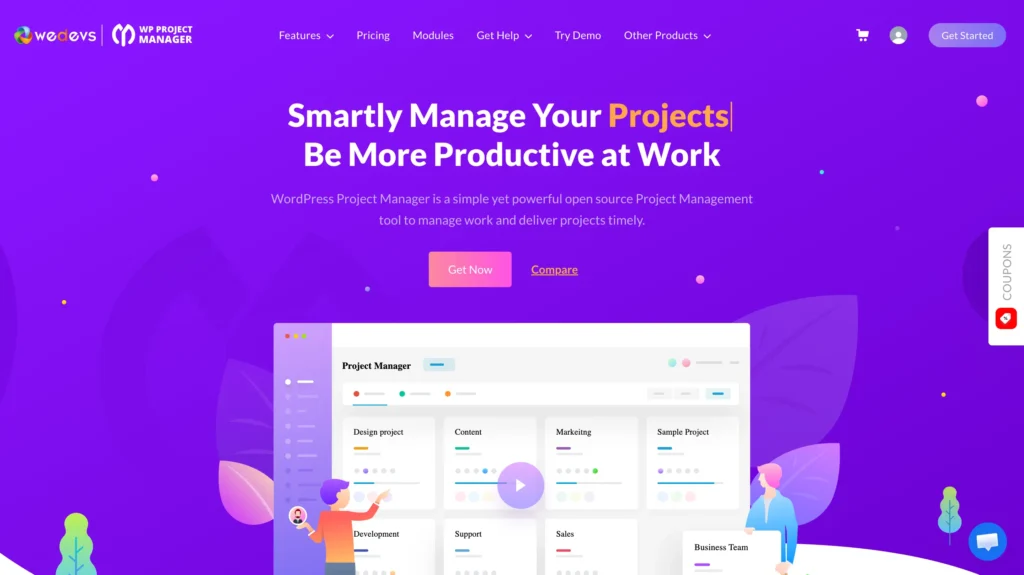
WP Project Manager by WeDevs is one of the longest-standing WordPress PM plugins, first released in 2012. It takes a task-list-first approach: projects contain milestones, milestones contain task lists, and task lists contain tasks. This hierarchical structure suits teams that think in deliverables and phases rather than Kanban workflow stages.
What the free version includes:
- Project creation and milestones
- Task lists and file sharing
- Basic team collaboration
Enough to get started if your team is small and your projects are straightforward.
What the paid tiers add:
- Kanban board view
- Gantt chart and time tracking
- Invoice generation
- Subtasks
- BuddyPress integration
- Advanced reporting
Pricing: Annual license, billed per site. Check the WeDevs website for current rates.
Best for: Teams that prefer milestone and task-list structure over a board-first workflow. Also a solid fit for community sites using BuddyPress.
One honest limitation: Kanban is a paid-tier feature, so teams wanting a free visual board need to look elsewhere. Agencies running many installs should compare multi-site tier costs directly, since FluentBoards offers an unlimited-sites plan.
Zephyr Project Manager
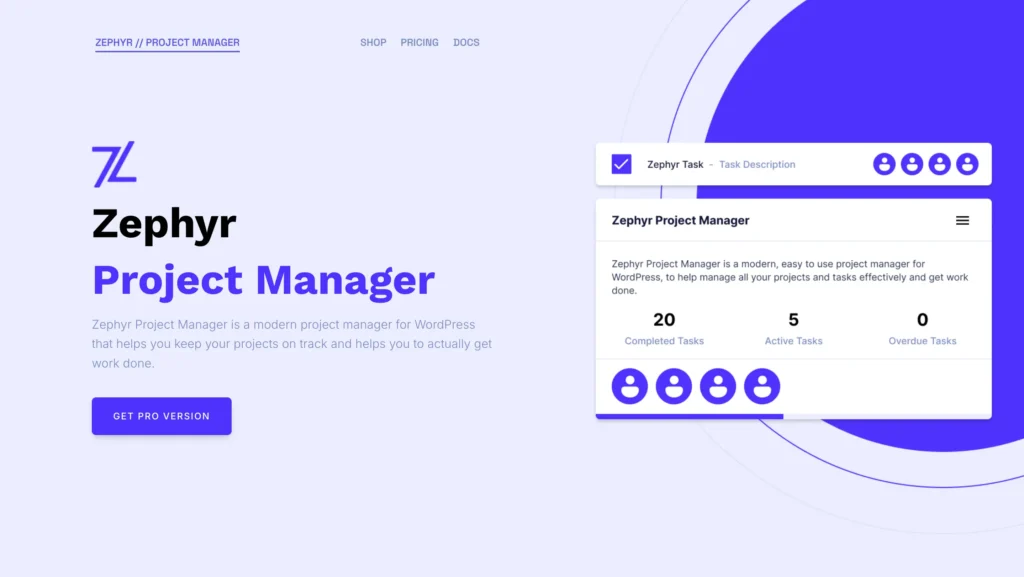
Zephyr Project Manager is built by Dylan James, a solo developer, and it stands out for its clean, modern interface. Zephyr focuses on giving you a well-organized project view from the moment you install it, putting the project board front and center even on the free plan.
What the free version includes:
- Unlimited projects and tasks
- Categories and priorities
- Built-in calendar
- File attachments and team discussions
- Activity tracking, personal dashboard, notifications
- Mobile app (Android) — the only plugin on this list with one
What the paid tiers add:
- Kanban board view
- Milestones and reporting
- Custom fields and task templates
- Frontend project manager for sharing outside the admin
- Asana integration and priority support
Pricing:
- Pro: $99 one-time for up to 5 domains
- Unlimited: $399 one-time for unlimited sites
- No renewals, no subscriptions
Best for: Small teams who want a clean list-based task manager with a useful free tier, and anyone who would rather pay once than subscribe annually.
One honest limitation: Kanban requires Pro, and there is no Gantt chart or time tracking at any tier. It is a one-person project: actively updated as of early 2026, but the ecosystem around it is small.
UpStream
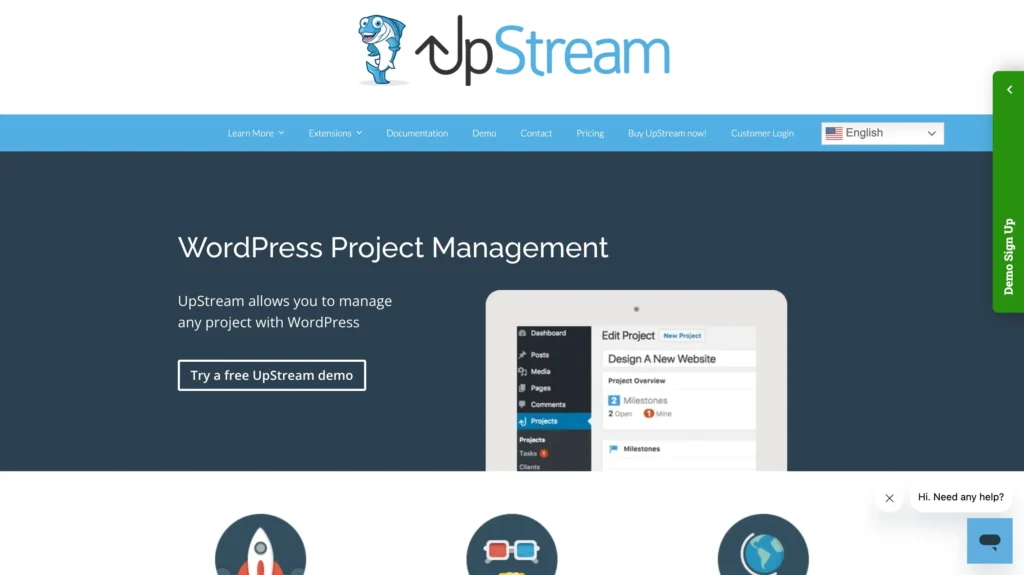
UpStream is built frontend-first. Where every other plugin on this list lives in the WordPress admin, UpStream displays project status on the front end of your site, so clients can see progress without a WordPress login or admin access.
What the free version includes:
- Project creation, milestones, task management
- Bug tracking and file management
- Project discussions and basic custom fields
- Built-in client management system
- Frontend project display via your theme
Premium extension bundles add:
- Gantt-style project timeline
- Calendar view and frontend editing
- Advanced custom field types
- Email notifications and copy project
- Extensions sold in subscription bundle tiers, not individually
Pricing: Free core plugin. Premium bundles via subscription. Check the UpStream website for current rates.
Best for: Agencies that want clients to see project progress on the agency website, with no separate client login needed.
One honest limitation: UpStream works very differently from board-based tools, so Kanban teams will find the mental model unfamiliar. Development has also slowed: last updated September 2025, small install base. Evaluate the free core carefully before committing to a bundle subscription.
Taskbuilder
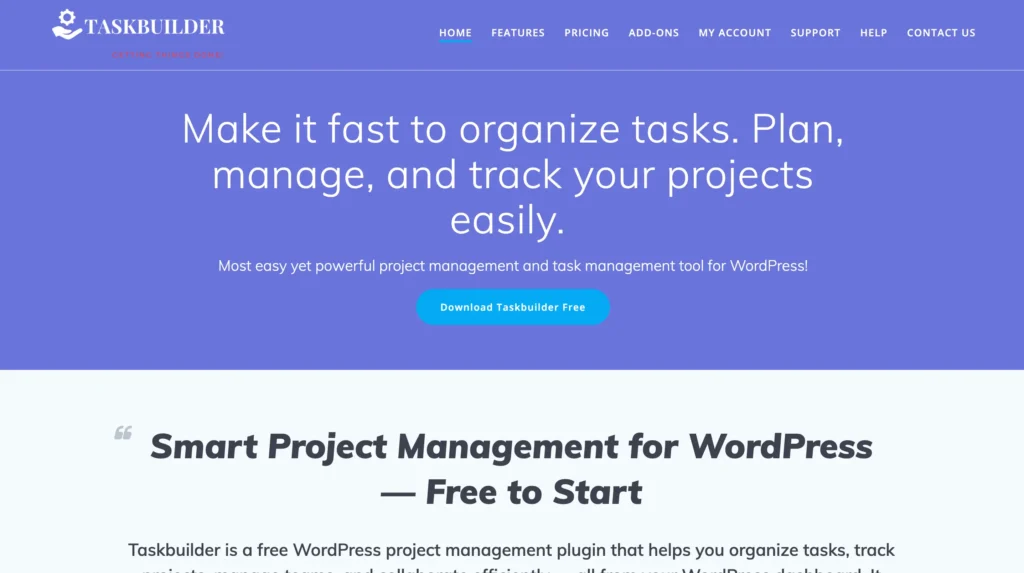
Taskbuilder does one thing well: it gives you a free Kanban board inside WordPress with minimal setup, including a frontend shortcode so team members can view and manage tasks without touching the admin.
What the free version includes:
- Kanban boards with drag-and-drop cards
- Unlimited projects, tasks, and co-workers
- Task assignments and checklists
- Frontend board display via shortcode
Paid add-ons (priced individually, bundle discounts available):
- Gantt chart and task calendar
- Time tracker and custom fields
- Reporting and duplicate project
- Email piping, BuddyPress, WooCommerce integrations
Pricing: Free version available. Add-ons priced individually. Check the Taskbuilder website for current rates.
Best for: Solo users and very small teams who need a visual board inside WordPress without the overhead of a full PM suite.
One honest limitation: No milestones, no client portal, and add-on costs stack if you need several features. If your needs go beyond Kanban, one of the other tools on this list will serve you better.
Side-by-Side Comparison: Features, Pricing, and Honest Verdicts at a Glance
All five tools below are WordPress-native and self-hosted. Your project data stays on your own server with every option on this list.
| Plugin | Free tier | Kanban | Gantt | Time tracking | Client portal | Pricing model | Starting price |
|---|---|---|---|---|---|---|---|
| FluentBoards | Full-featured | Free | Pro | Pro | Pro | Flat annual fee | $149/yr |
| WP Project Manager | Limited | Pro only | Pro | Pro | Limited | Per site / year | Check website |
| Zephyr PM | Good | Pro only | No | No | Pro | One-time purchase | $99 one-time |
| UpStream | Good | No | Extension | Extension | Frontend-native | Free + bundles | Check website |
| Taskbuilder | Good | Free | Add-on | Add-on | No | Free + paid add-ons | Free + paid add-ons |
Looking specifically for Kanban? We broke down the full category in our Kanban project management tools
Which Plugin Should WordPress Teams Choose?
The right choice depends on what your team actually needs day to day.
WordPress agencies managing multiple client projects:
FluentBoards. Flat pricing means your cost doesn’t scale with team size, the Frontend Portal lets clients see project progress without an admin login, and board templates cut new project setup from an hour to two minutes.
For a deeper look, see the full agency management solution overview
Teams that think in milestones and phases: WP Project Manager. Its hierarchical structure maps well to deliverable-driven work, and BuddyPress integration is a genuine differentiator for community sites.
Teams who’d rather pay once than subscribe: Zephyr Project Manager. The free tier is solid for list-based management, includes a calendar and mobile app, and the one-time Pro price unlocks Kanban without a renewal hanging over you.
Agencies where client visibility is the priority: UpStream. Clients see project status on your own website with no separate login, though evaluate the maintenance pace carefully before subscribing to a bundle.
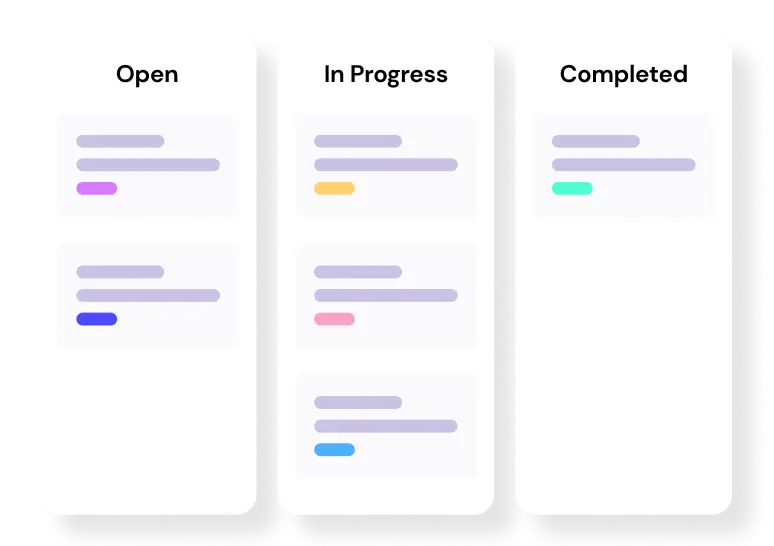
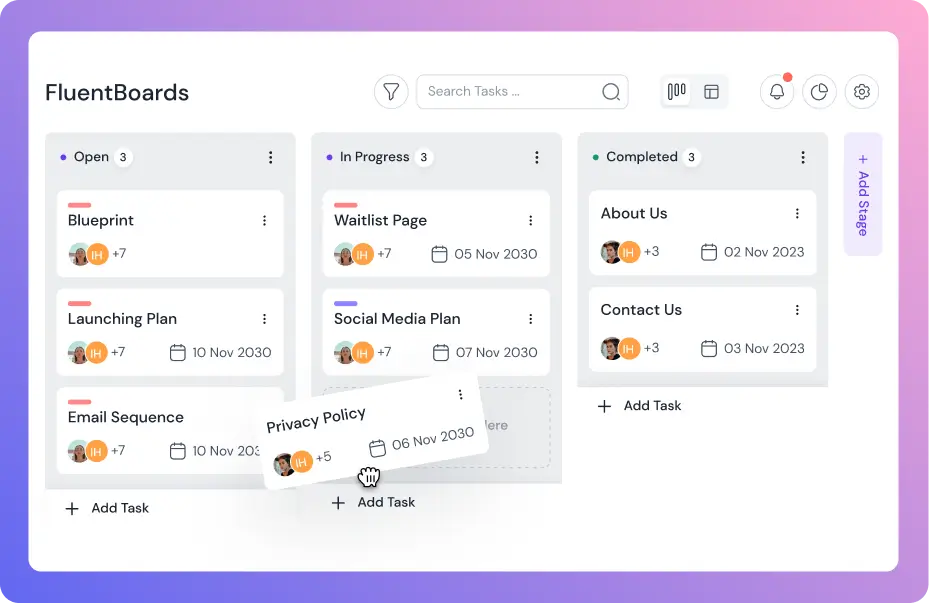
Level up your project management game inside WordPress – where limitless possibilities come at an unbeatable price!
Solo users or very small teams: Taskbuilder. Free Kanban, frontend shortcode, no feature overload.
For most WordPress teams, FluentBoards covers the widest range of needs, from a capable free plan for smaller teams to a full agency toolkit on Pro.
If you’ve decided it’s the right fit, this agency project walkthrough shows the full workflow in action
Answers to the Questions That Come Up Most
Here are the questions most WordPress teams ask before making their pick.
Your Website Lives in WordPress. Your Projects Too.
The right project management plugin is the one your team actually opens every morning. A powerful tool nobody adopts is worse than a simple tool everyone uses.
For WordPress teams, the case for staying inside WordPress holds up: one fewer tab to switch to, one fewer subscription to manage, and project data that stays where you control it. Every tool on this list keeps your projects self-hosted, so platform risk isn’t what separates them. The real decision comes down to how much structure your team needs and how client visibility fits into your workflow.
If your team is still finding its footing, FluentBoards covers the basics on the free plan:
- Kanban boards
- Unlimited tasks
- Unlimited projects
Once you need more structure, the Pro plan adds:
- The other project views
- Templates
- Time tracking
- Client-facing access
All without the per-user fees that punish growth. Start free, and upgrade when the team is ready.
That’s all for today. Let’s redefine project management!
Let’s redefine project management with FluentBoards!

Follow:


Get Tips, Tricks, & Updates
We won’t send you spam.





Add your first comment to this post