
5 Best Kanban Project Management Tools for WordPress


Your team has tasks in emails, deadlines in spreadsheets, and updates buried in chat threads.
Nothing is in one place.
So nobody knows what is moving, what is stuck, and what is already done.
And getting a status update?
That means stopping someone mid-work just to ask.
Well, that is exactly the problem Kanban solves.
But if your business runs on WordPress, adding another standalone tool just creates another platform to check, another login to remember, and another place where work falls through the cracks.
The smarter move is bringing Kanban inside WordPress where your team already works.
So here are the 5 best Kanban project management tools built for WordPress, what they do, who they are for, and which one is worth your time.
Let’s get into it.
A Quick Scan of the Best Kanban Tools for WordPress
Before we get into the details, here’s a quick comparison of all 5 tools so you can see what you’re working with at a glance:
| Tool | Best For | Free Plan |
|---|---|---|
| FluentBoards | Growing WordPress teams wanting full Kanban with no scaling cost | Yes |
| WP Project Manager | Using Kanban with additional planning tools like timelines | Yes |
| Taskbuilder | Handling frontend Kanban workflows with user-facing features | Yes |
| Zephyr Project Manager | Managing simple Kanban boards for small teams or personal use | Yes |
| Projectopia | Agencies managing client projects with invoicing and portals | Yes |
5 Best Kanban Project Management Tools for WordPress
Here’s a breakdown of the tools that actually deliver on Kanban functionality inside WordPress:
FluentBoards
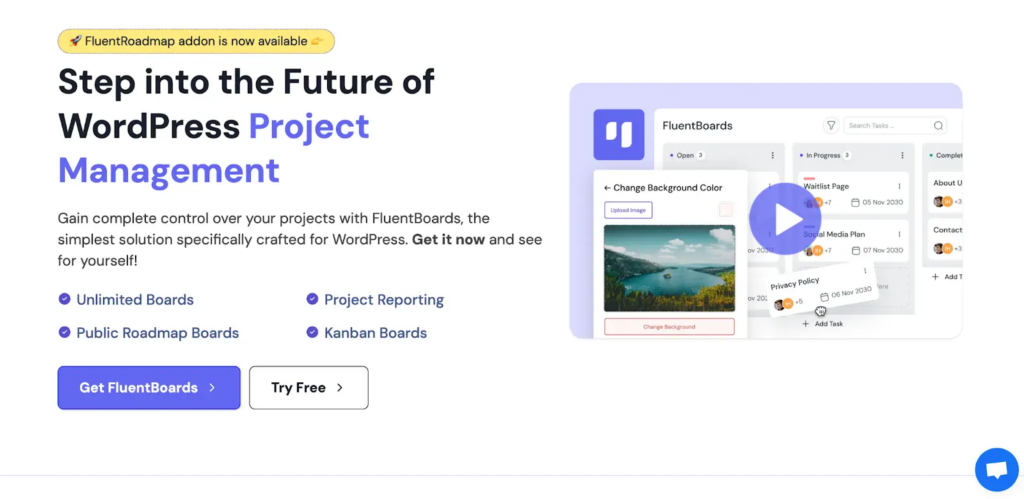
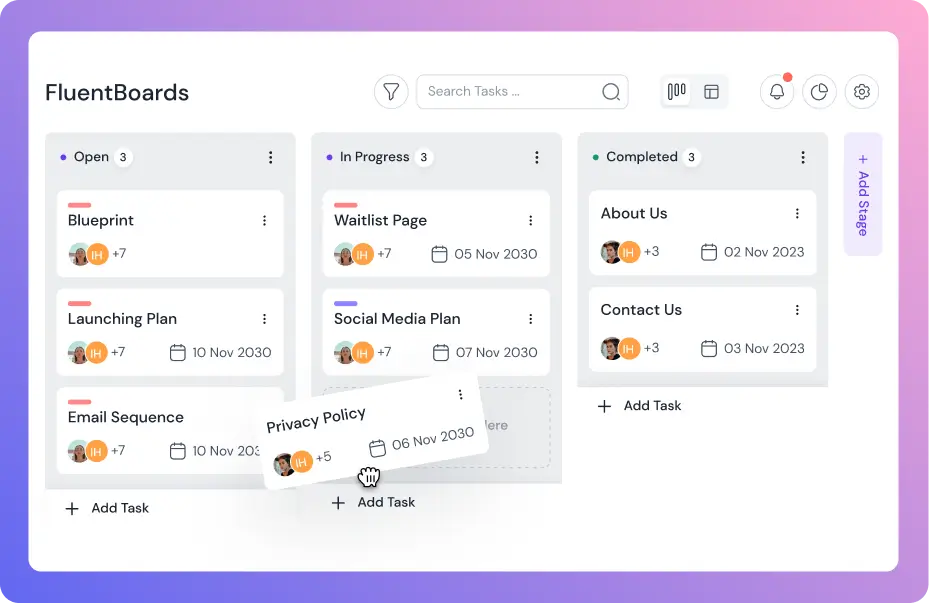
FluentBoards delivers SaaS-level Kanban inside your WordPress dashboard.
The drag-and-drop experience is smooth. Cards move between columns without lag. Real-time updates mean your team sees changes instantly.
Each card supports subtasks, comments, file attachments, due dates, and custom fields. You can filter by assignee, label, or priority without leaving the board view.
Beyond Kanban, you get List, Calendar, Table, and Board List views. Switch between them based on what you need to see.
It is designed for teams that want visual project management without leaving their WordPress environment.
Key features:
- Kanban, List, Calendar, and Table views
- Task management with subtasks, deadlines, priorities, and custom fields
- Task comments and mentions for team communication
- Task watching for stakeholder visibility
- Stage Default Assignee for automated handoffs
- Report dashboard for project health at a glance
- Frontend Portal for client and stakeholder access
- FluentRoadmap for public milestone sharing
- Integrations with FluentCRM, Fluent Forms, and Fluent Support
Pricing: FluentBoards offers a free version, and premium plans start at $129 per year with no monthly fees or per-user charges.
WP Project Manager
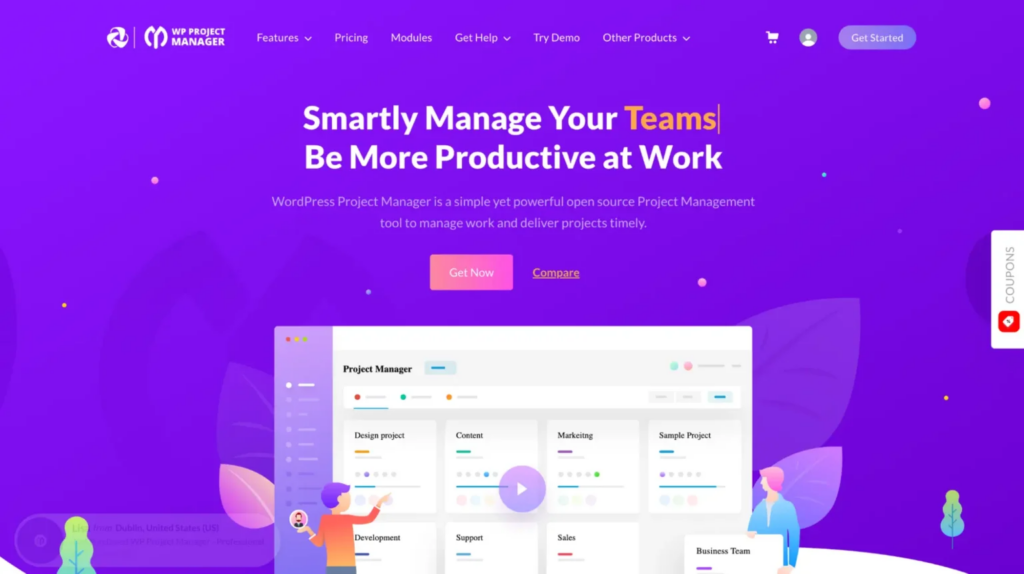
WP Project Manager by weDevs is one of the most established project management plugins for WordPress. It combines task lists with Kanban boards and comes packed with features for larger teams.
Key features:
- Kanban board with drag and drop task management
- Gantt chart view for timeline tracking
- Time tracking per task
- Milestone tracking
- Slack and GitHub integrations
- File management inside projects
Pricing: Free version available. Pro plans start at $79/year.
Taskbuilder
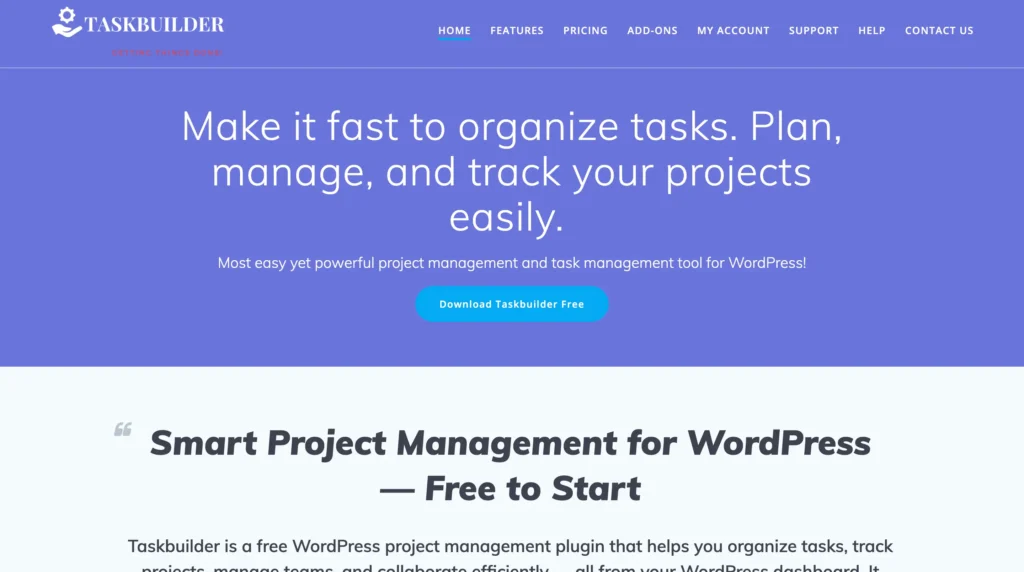
Taskbuilder brings Trello-style Kanban with frontend display options.
The board works as you’d expect. Columns for workflow stages, draggable cards, visual progress tracking. Cards support checklists, custom fields, and file uploads.
The standout feature is frontend access. Use shortcodes to display Kanban boards to clients or team members without dashboard access. Filter tasks by project, status, priority, or user right from the frontend.
Key Features:
- Visual Kanban with drag-and-drop
- Card checklists and custom fields
- Frontend display via shortcodes
- Filtering by project, status, priority
- Due date reminders
- Calendar and Gantt addons
- WooCommerce integration
Pricing: Free version with Kanban included. Addons from $49/year each. No per-user charges.
Zephyr Project Manager
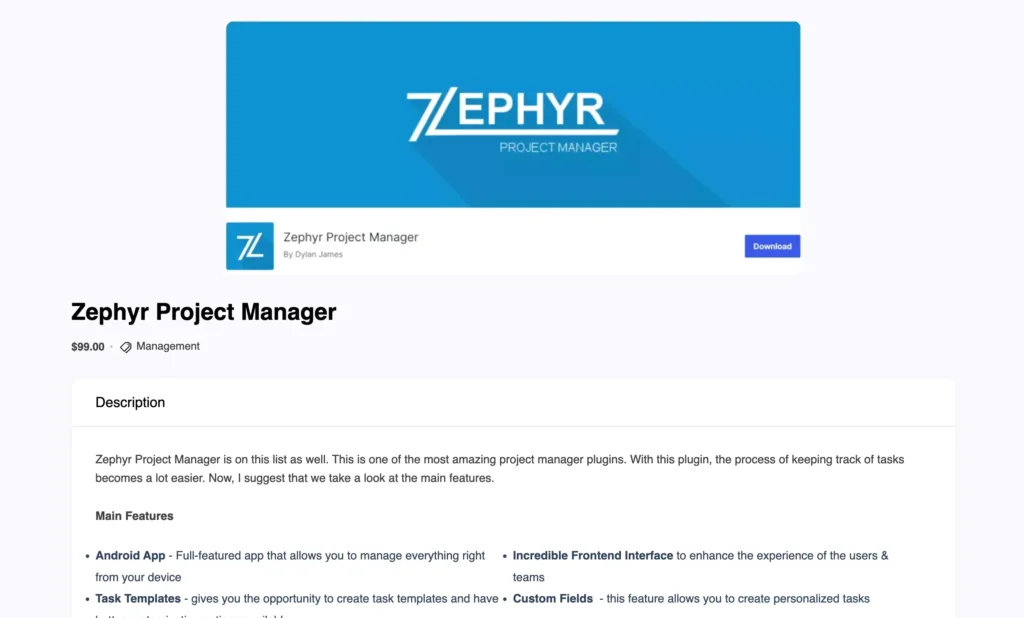
Zephyr Project Manager offers straightforward Kanban for small teams.
The Pro version includes Kanban boards with customizable columns. Drag cards between stages, track progress visually. The interface stays clean and minimal.
The free version handles list-based task management with subtasks, discussions, and due dates. Kanban requires Pro.
Key Features:
- Kanban boards with custom columns (Pro)
- Drag-and-drop task management
- Subtasks and project discussions
- Due dates and assignments
- File attachments
- Asana migration support
Pricing: Free version without Kanban. Pro from $99/year for 5 sites. No per-user charges.
Projectopia
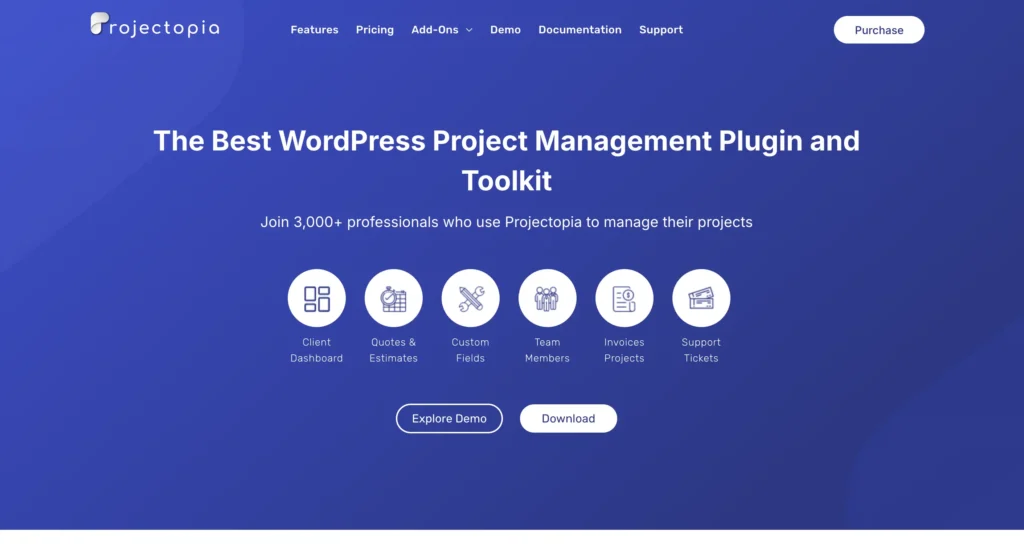
Projectopia focuses more on client and business-side project management, with Kanban included as part of the workflow.
You can organize tasks into stages and move them across a board, but the core system is built around client management, invoicing, and project tracking rather than Kanban itself.
Key features:
- Kanban board for task tracking
- Client management and project tracking
- Invoicing and quote handling
- File sharing and team discussions
- Role-based access and permissions
Pricing: Paid plans with additional modules depending on usage
What to Look for in a WordPress Kanban Tool
Not every Kanban plugin is built the same. Before picking one, here is what actually matters:
- Visual workflow clarity: Your Kanban board should give a clear view of the entire project at a glance, so you can track progress without switching screens or losing context.
- Task management depth: Go beyond basic cards. Support for subtasks, deadlines, priorities, and clear ownership helps you manage real work, not just organize tasks.
- Team collaboration: Keep communication where the work happens. Comments and updates should stay inside tasks so nothing gets lost or repeated.
- Scalability: As your projects grow, the tool should handle more boards, tasks, and team members without slowing down or adding complexity.
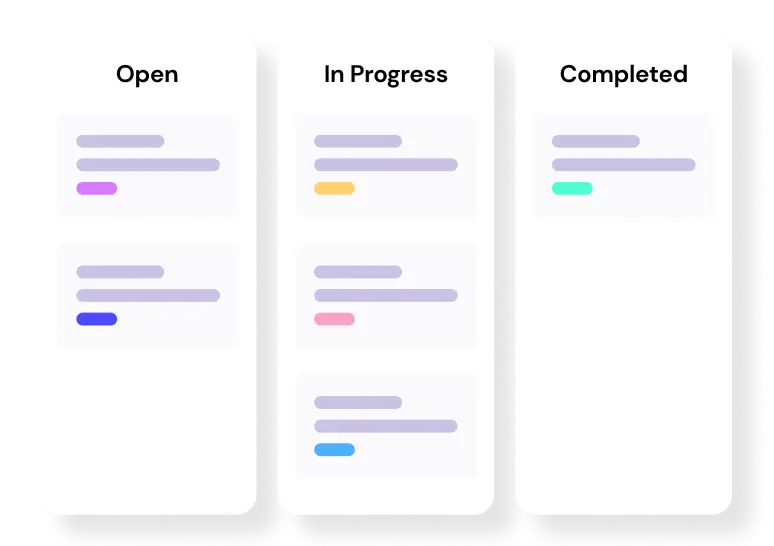
Level up your WordPress project management game with this Trello equivalent solution – where limitless possibilities come at an unbeatable price!
- Multi-project visibility: When managing multiple projects or clients, you should be able to track progress across boards without losing clarity.
- Workflow flexibility: Your process will evolve. The tool should let you adjust stages, priorities, and workflows without breaking your structure.
- Task flow and dependency awareness: Work should move smoothly across stages without creating bottlenecks. A good Kanban tool helps you manage flow and dependencies without blocking progress.
The Best Kanban Tool for WordPress in 2026
Every Kanban tool on this list has its place.
So the best choice really comes down to your team size, how your workflow moves, and what level of control you need inside WordPress.
So instead of overthinking features, choose the one that fits how your Kanban flow actually works.
If you want a clear recommendation, FluentBoards stands out for practical reasons.
Here’s why:
- Keeps your Kanban workflow fully inside WordPress
- Supports unlimited users without increasing cost as your team grows
- Connects tasks, communication, and progress in one place
- Works seamlessly with the WordPress tools you already use
- Offers a free version to test your workflow before committing
At its core, Kanban is not just about organizing tasks. It is about keeping work visible, decisions clear, and projects moving without friction.
Choose the tool that fits how your work flows, and everything else becomes easier.
Let’s redefine project management with FluentBoards!

Follow:


Get Tips, Tricks, & Updates
We won’t send you spam.





Leave a Reply